Workspace
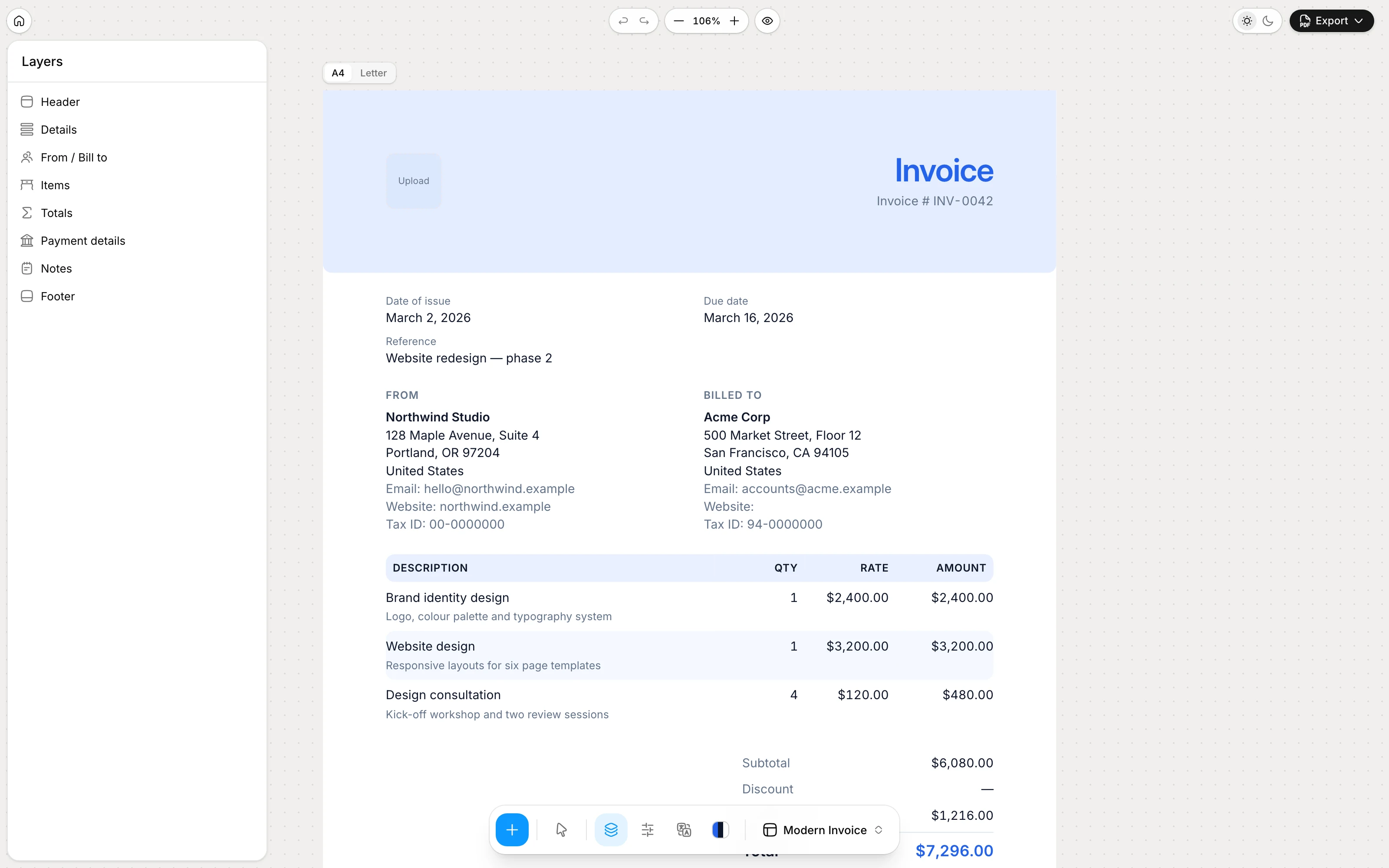
Layers
Every block on the invoice, in order. Drag to rearrange, hide without deleting, or add another text, divider or page-break block.
Block-based templates, a full currency and date formatting engine, PDF export from the print dialog, share links and local-only storage — all explained.
Five panes around one invoice. Open Layers, Design, Format or Labels when you need them; Export when you are done.
Workspace
Every block on the invoice, in order. Drag to rearrange, hide without deleting, or add another text, divider or page-break block.
Workspace
Save as PDF from the print dialog, export JSON for a portable copy, or copy a share link that carries the invoice in the URL.
Workspace
Pick a preset, then set colours, paper, margins and corners. Header style and the items table live on the selected block.
Workspace
Currency, separators, decimals, date pattern and locale — so amounts and dates read the way your client expects.
Workspace
Document language and every printed word: Invoice, Bill To, Qty, Balance due. Override a label when a client wants different wording.
Each panel is one capability — blocks, design, formatting, labels and export — not a screenshot of the editor.
Blocks
An invoice is a stack of blocks: header, details, parties, items, totals, shipping, payment details, payment link, notes, terms, free text, signature, divider, page break and footer. Toggle, reorder and configure each one in Generate.
Templates using this: Freelance invoice, Contractor invoice, Simple invoice
Formatting
The Format pane in Generate sets the currency code and locale, symbol or code display, where the symbol sits, and the thousands and decimal separators.
1.234,56 instead of 1,234.56.€ 1.200,00 or 1,200.00 EUR.Templates using this: Consulting invoice, Hourly invoice
Formatting
Issue and due dates follow a date-fns pattern in any of the bundled locales, so the same invoice reads naturally in Berlin, London or Tokyo.
d MMMM yyyy, MM/dd/yyyy or dd.MM.yyyy — or type your own pattern.Templates using this: Consulting invoice, Hourly invoice
Design
The Design pane in Generate: accent and text colours, A4 or Letter paper, three margin sizes, three type scales and corner styles, with the whole document set in Inter. Header band/bar and table styles live on the selected block in the inspector.
Templates using this: Design invoice, Photography invoice
Labels
The Labels pane sets the document language and every printed word — Invoice, Bill To, Qty, Balance due — so the same layout reads correctly for a client in another language.
Templates using this: Freelance invoice, Consulting invoice
On your device
Open Generate, fill in the invoice and export a PDF. The current document stays in this browser until you export a PDF, JSON file or share link.
Templates using this: Simple invoice
Export
The same layout that you see on the canvas is what prints. Pages are paginated explicitly, long item tables continue with a repeated header, and the footer appears on every page with page numbers if you want them.
Invoice INV-0042.pdf.Templates using this: Hourly invoice, Pro forma invoice
Export
A share link carries the whole invoice inside the URL fragment, compressed. Nothing is stored anywhere; the recipient opens it in their browser and sees the shared document.
# is never sent to a server by browsers.Templates using this: Contractor invoice
An invoice is a stack of blocks. Each one can be hidden, reordered and configured on its own — this is the full list.
Logo, document title and optionally the invoice number at the top of page one. Choose left, centred or split alignment and one of three logo sizes.
The key/value list with invoice number, issue date, due date, place of issue, reference and PO number. Show only the fields you use and lay them out as rows, a grid or one inline row.
Your business details next to the client's, side by side or stacked. Toggle email, phone, website, tax id and any extra fields you added to a party.
The line-item table. Show or hide the number, unit, quantity, rate, tax and discount columns, add a secondary details line per item and pick a table style.
Subtotal, discount, a per-tax breakdown, amount paid and balance due. Emphasise the total and align the box to the right or stretch it across the page.
Shipping method, amount and delivery address — useful on ecommerce invoices. Edit the label, method, amount and address in the document.
Bank account, IBAN, BIC, PayPal address or any other key/value pairs the client needs to pay you. Rows, grid or two-column layout.
A call-to-action button that opens your payment URL — for example “Pay invoice →”.
A short message to the client — a thank-you, a project reference or delivery details.
Payment terms and conditions, such as the due period, late-payment policy and accepted methods.
A free-form paragraph with an optional heading. Add as many as you need — a project summary, a scope statement, a warranty note.
Two signature lines facing each other — useful for contractor and pro-forma documents. Type a name or upload an image in each slot.
A thin rule or a blank gap between blocks, in three sizes. Repeatable.
A layout block that forces a page break. In the editor it shows as a labelled rule; it does not print.
Text at the bottom of every page — company registration, a website, a thank-you — with optional page numbers.
Money and dates are the part every generic template gets wrong. These are the knobs you get.
$1,200.00, USD 1,200.00 or 1,200.00 US dollars.1,234.56 for en-US, 1.234,56 for de, 1 234,56 for fr. Digits are always Latin so the PDF reads the same everywhere.MMMM d, yyyy or dd.MM.yyyy, rendered in one of twenty-five bundled locales, validated live so a broken pattern never reaches the PDF.Open Generate and make the next one in a few minutes.