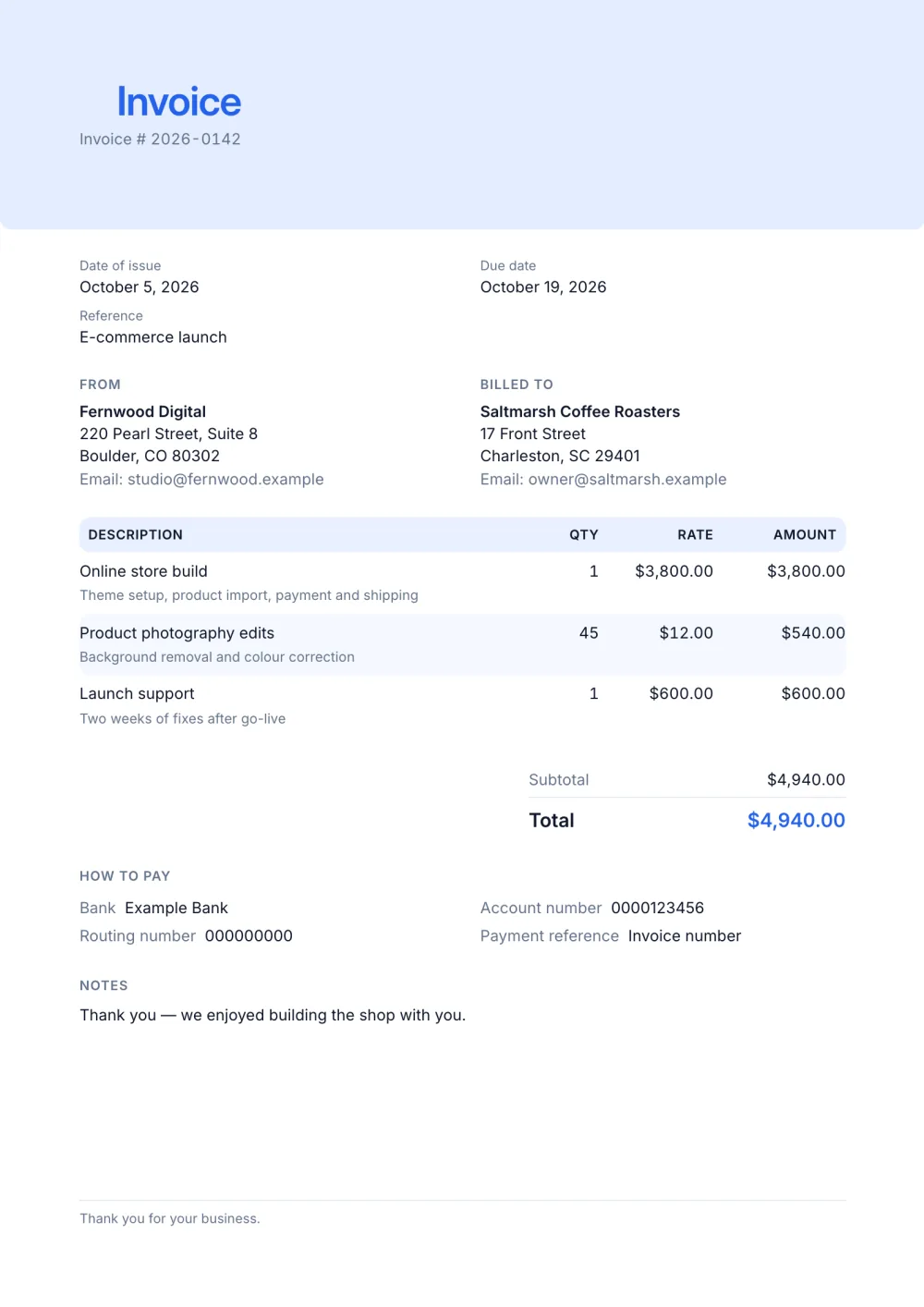
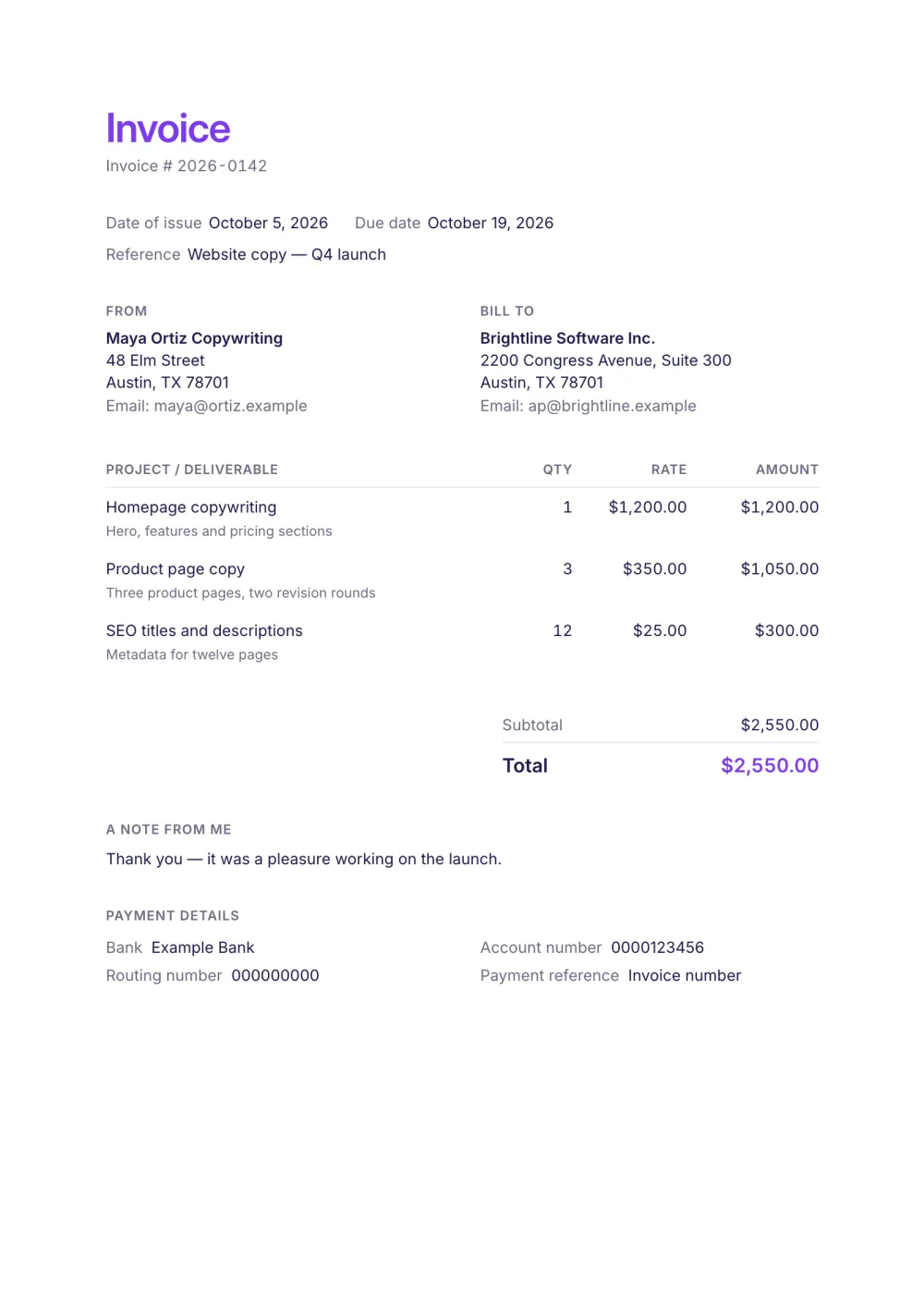
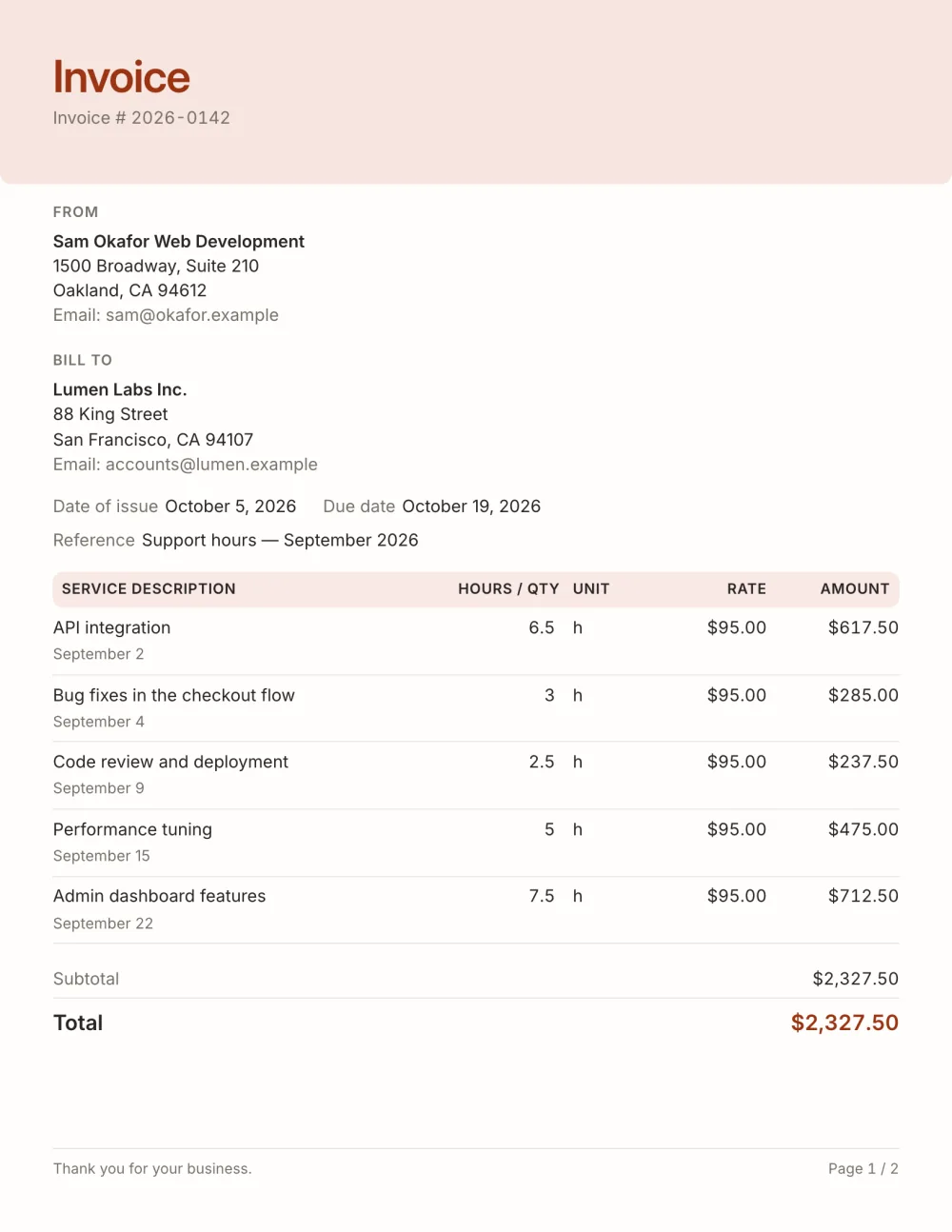
01
Milestone-friendly
Describe the deliverable in the details line and keep the description short and scannable.
A consulting invoice template with an engagement reference, a details line for retainer or milestone scope and engagement terms. Edit in browser, free PDF.
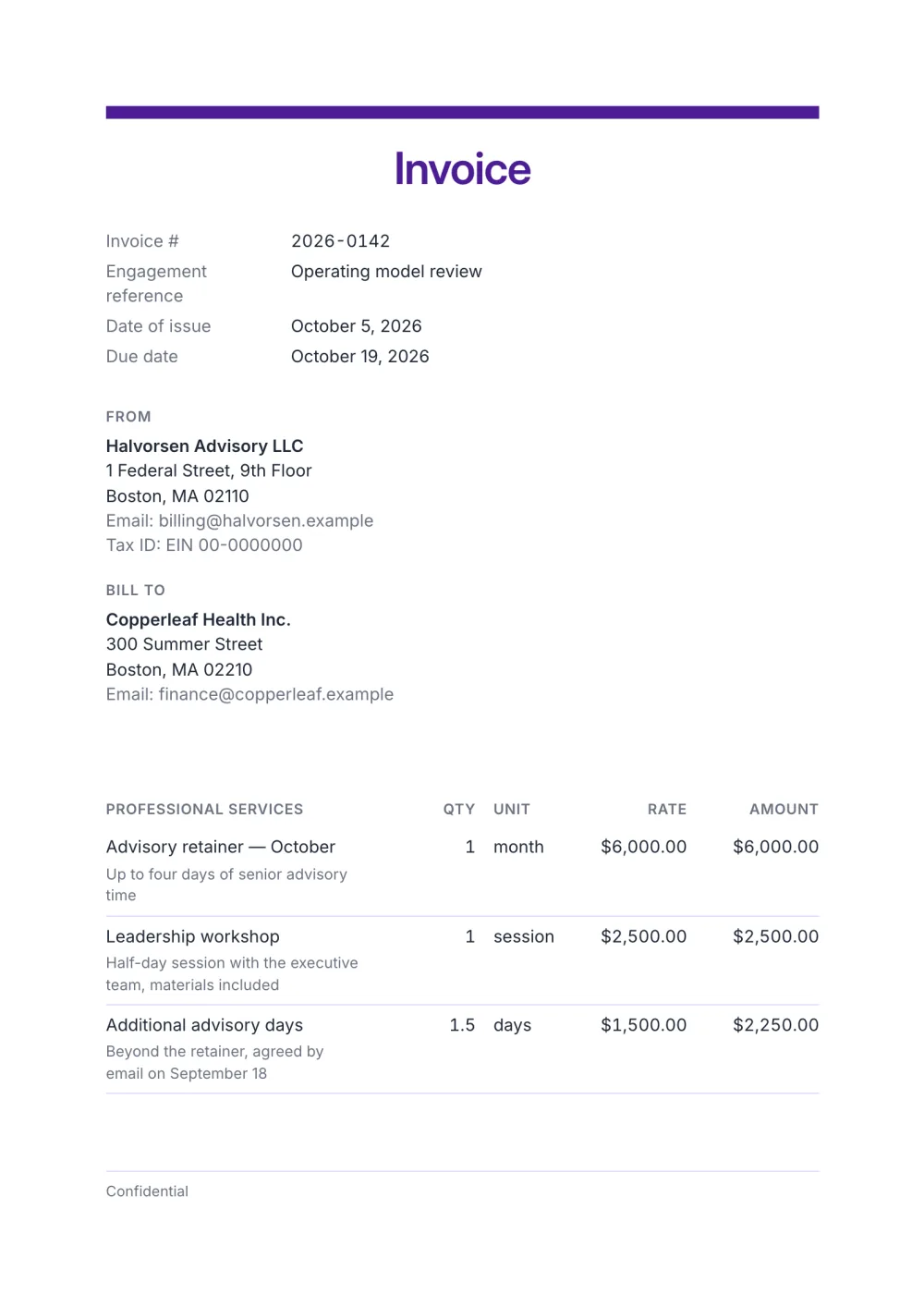
Consulting invoices carry fewer lines but more words: a retainer month, a milestone, a workshop day. This template gives each line a details row for scope, puts the engagement reference at the top and keeps your engagement terms on the document.
The Consultant preset is deliberately formal — a thin accent bar, a centred title, restrained rules and a full-width totals block — the kind of document a finance team files without a second look.
Fictional details, real layout — this is the document the template produces. Open it in the editor to change anything, or print it to see the PDF.
| Professional services | Qty | Rate | Amount |
|---|---|---|---|
| Advisory retainer — OctoberUp to four days of senior advisory time1 month × $6,000.00 | $6,000.00 | ||
| Leadership workshopHalf-day session with the executive team, materials included1 session × $2,500.00 | $2,500.00 | ||
| Additional advisory daysBeyond the retainer, agreed by email on September 181.5 days × $1,500.00 | $2,250.00 | ||
| Total | $10,750.00 | ||
Open the template. Click “Use this template” and the editor opens in your browser with this layout. There is nothing to install and no account to create.
Add your details and your client’s. Your name or business, address and tax ID go under From; your client’s go under Bill To.
List what you are charging for. One line per service or product, with a quantity and a rate. Amounts, tax and the total update as you type.
Check the number, dates and payment details. Every invoice needs a unique number and an issue date; add the due date and the bank details you want to be paid to.
Export the PDF and send it. Choose Export → Save as PDF, save the file from the print dialog and attach it to your email.
01
Describe the deliverable in the details line and keep the description short and scannable.
02
The unit column says whether a line is a day rate, hours or a fixed fee, so the rate is never misread.
03
Show a deposit already received and the remaining balance due on the same document.
Bill it as one line per period — "Advisory retainer — October" — with quantity 1 and the agreed fee, and describe what it covers in the details line. Time beyond the retainer goes on its own line, so the client sees what was extra.
Only if the engagement is billed by time. For a retainer or a milestone, describe the deliverable instead; if the client asks for detail, add the days in the details line or attach a timesheet.
Thirty days is common with companies, and retainers are often billed at the start of the month. Invoice payment terms explained compares the usual options.
Yes. The template, the editor and the PDF export are free, with no account and no sign-up. Your invoice is saved in your browser and never uploaded.
As a PDF: fill it in online, choose Export → Save as PDF and save the file from the print dialog. It is not a Word or Excel file, so there are no formulas to break — the totals and tax are calculated for you. You can also copy a share link that reopens the invoice, or keep a JSON copy.
Yes. Switch blocks on or off, reorder them, change the accent colour, the labels, the paper size and the number and date formats — or switch to another template at any time without retyping your content.
It opens straight in Generate — start from this layout and send it today.