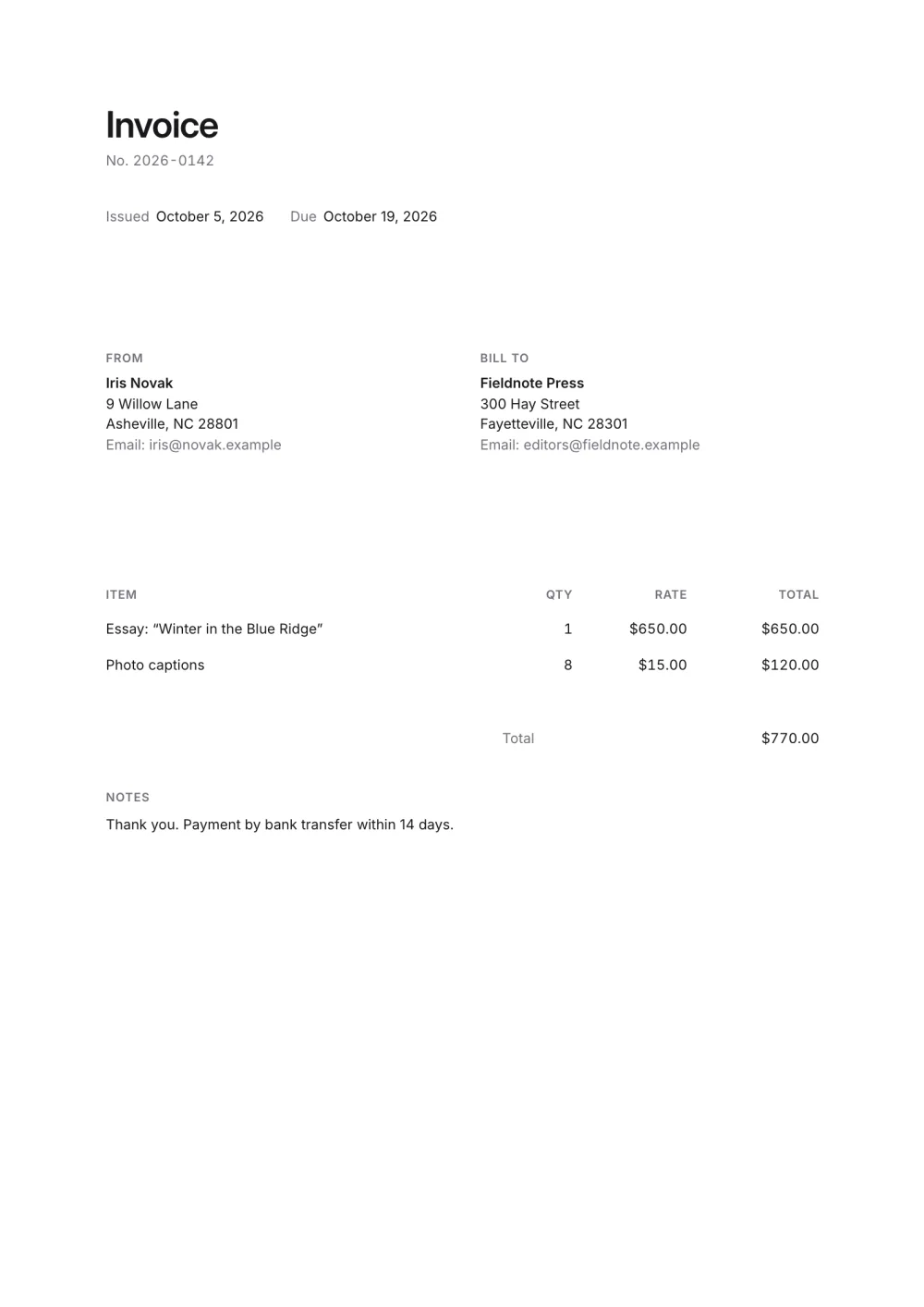
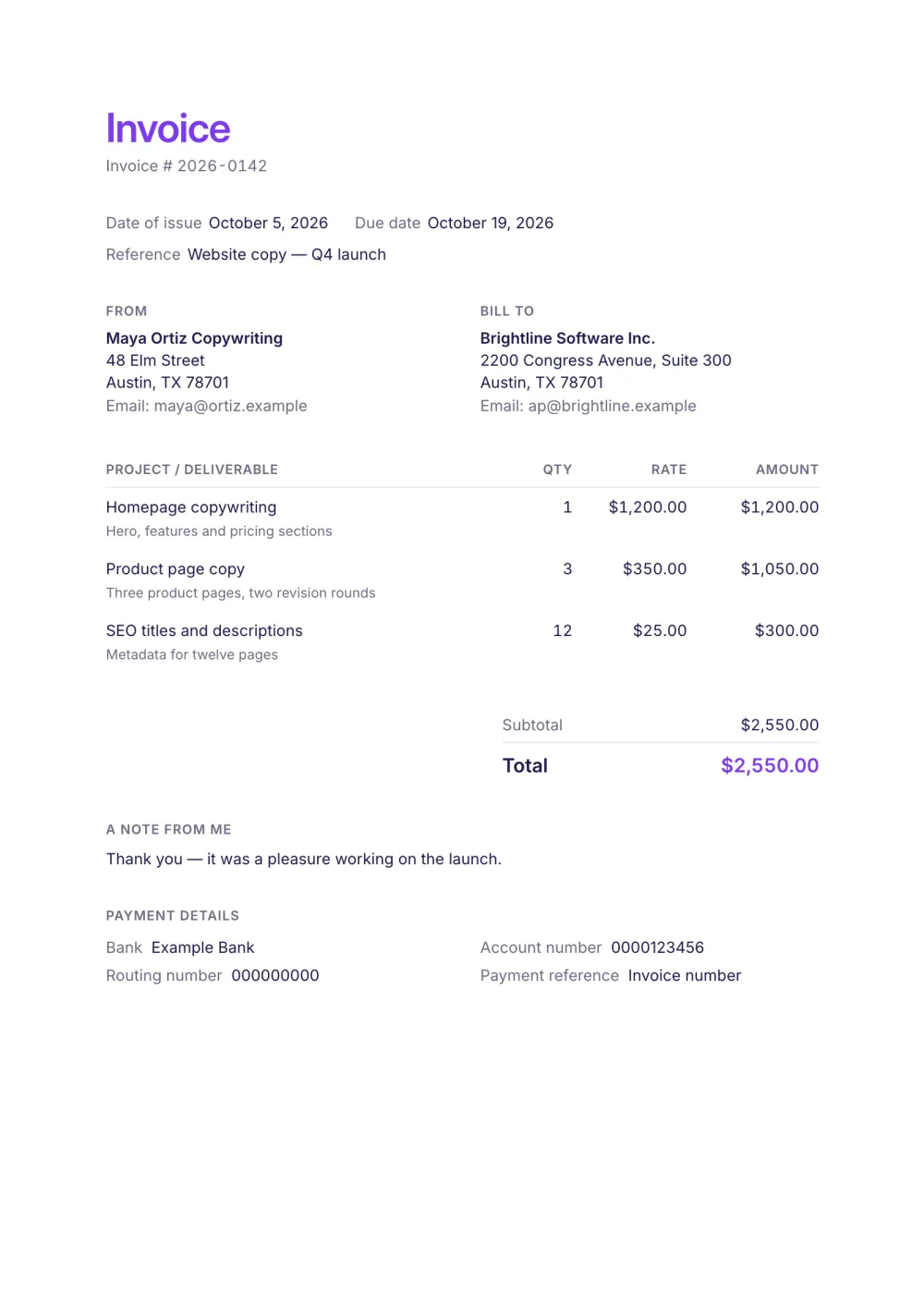
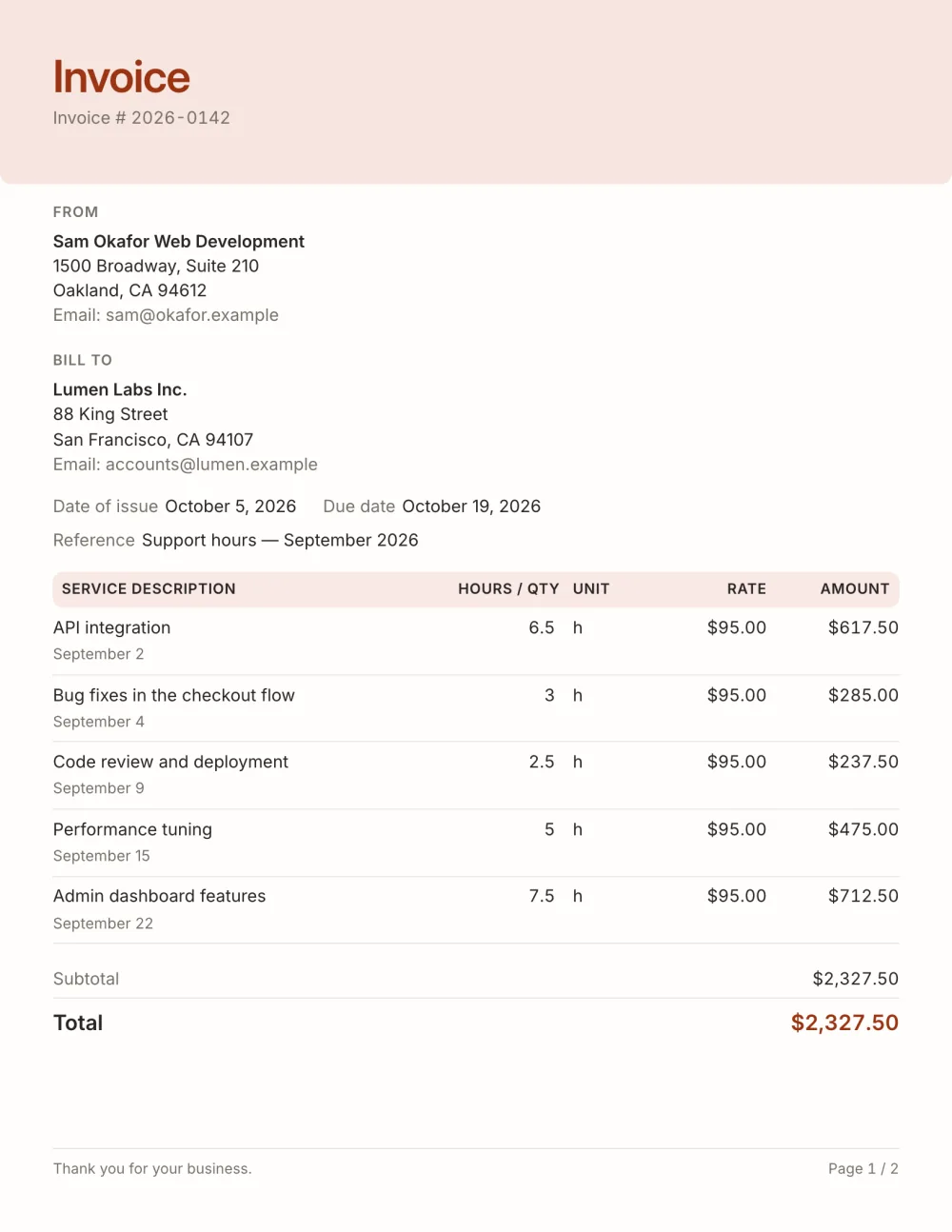
01
Essentials only
Every block a payer needs is on by default; everything optional is off and one click away.
A simple invoice template with only the essentials: who, what, how much and how to pay. Plenty of whitespace. Edit in your browser and export a PDF, free.
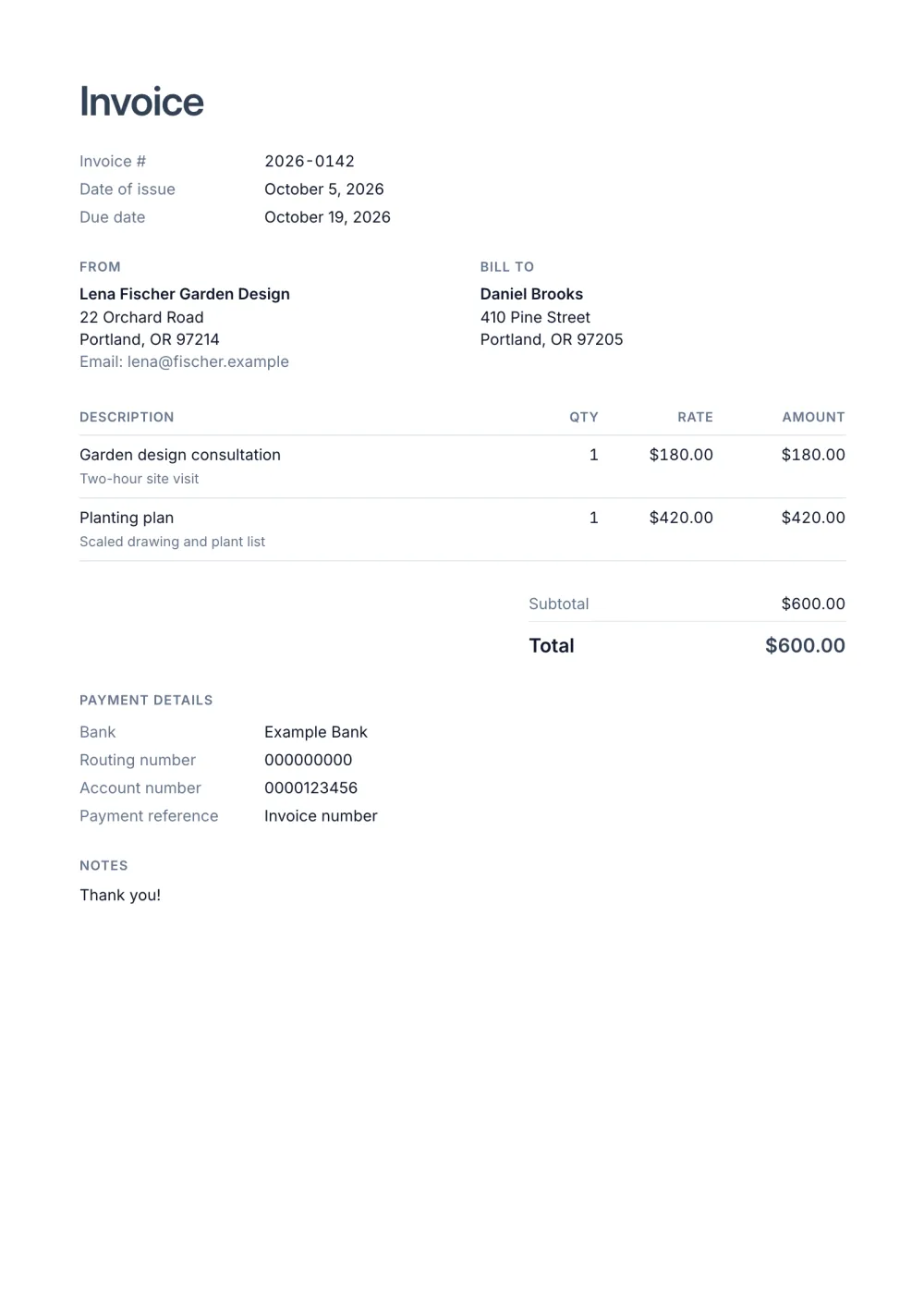
Sometimes the right invoice is the shortest one. This template keeps only the blocks a valid invoice needs and lets whitespace do the rest — the Simple preset with a lined items table and the details listed in plain rows.
Because it has so few blocks, it is also the fastest template to fill in and the easiest to adapt into your own.
Fictional details, real layout — this is the document the template produces. Open it in the editor to change anything, or print it to see the PDF.
| Description | Qty | Rate | Amount |
|---|---|---|---|
| Garden design consultationTwo-hour site visit1 × $180.00 | $180.00 | ||
| Planting planScaled drawing and plant list1 × $420.00 | $420.00 | ||
| Total | $600.00 | ||
Open the template. Click “Use this template” and the editor opens in your browser with this layout. There is nothing to install and no account to create.
Add your details and your client’s. Your name or business, address and tax ID go under From; your client’s go under Bill To.
List what you are charging for. One line per service or product, with a quantity and a rate. Amounts, tax and the total update as you type.
Check the number, dates and payment details. Every invoice needs a unique number and an issue date; add the due date and the bank details you want to be paid to.
Export the PDF and send it. Choose Export → Save as PDF, save the file from the print dialog and attach it to your email.
01
Every block a payer needs is on by default; everything optional is off and one click away.
02
Generous margins and a restrained type scale make a one-line invoice look intentional rather than empty.
03
Fewer fields means a new invoice takes a minute from blank to PDF.
Who it is from and who it is for, a unique number, the date, what you are charging for and how much, and how to pay. Registered businesses usually add a tax ID and the tax amount; what to include on an invoice lists the rest.
Yes, as long as it carries the details your country and the client's require — a plain layout does not make an invoice less valid. Switch on the tax ID or add a tax row whenever you need them.
They share the same quiet layout. This page shows it filled in; the blank invoice template starts with every field empty.
Yes. The template, the editor and the PDF export are free, with no account and no sign-up. Your invoice is saved in your browser and never uploaded.
As a PDF: fill it in online, choose Export → Save as PDF and save the file from the print dialog. It is not a Word or Excel file, so there are no formulas to break — the totals and tax are calculated for you. You can also copy a share link that reopens the invoice, or keep a JSON copy.
Yes. Switch blocks on or off, reorder them, change the accent colour, the labels, the paper size and the number and date formats — or switch to another template at any time without retyping your content.
It opens straight in Generate — start from this layout and send it today.