01
Built for repeat business
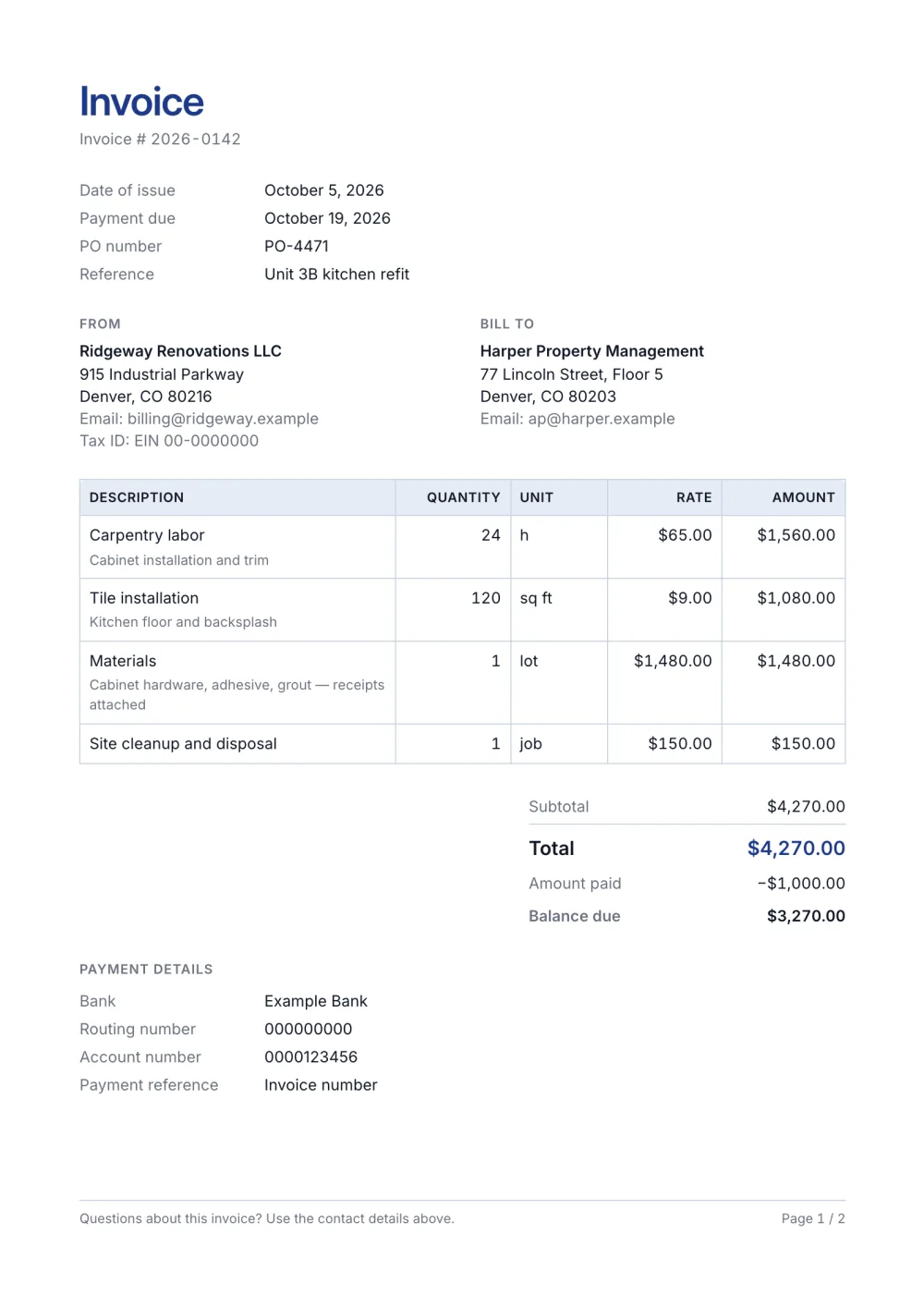
Customer contacts, PO number and payment terms give accounts teams the details they need.
A practical small business invoice template with customer details, PO number, line discounts, payment instructions and terms. Edit online and export PDF.
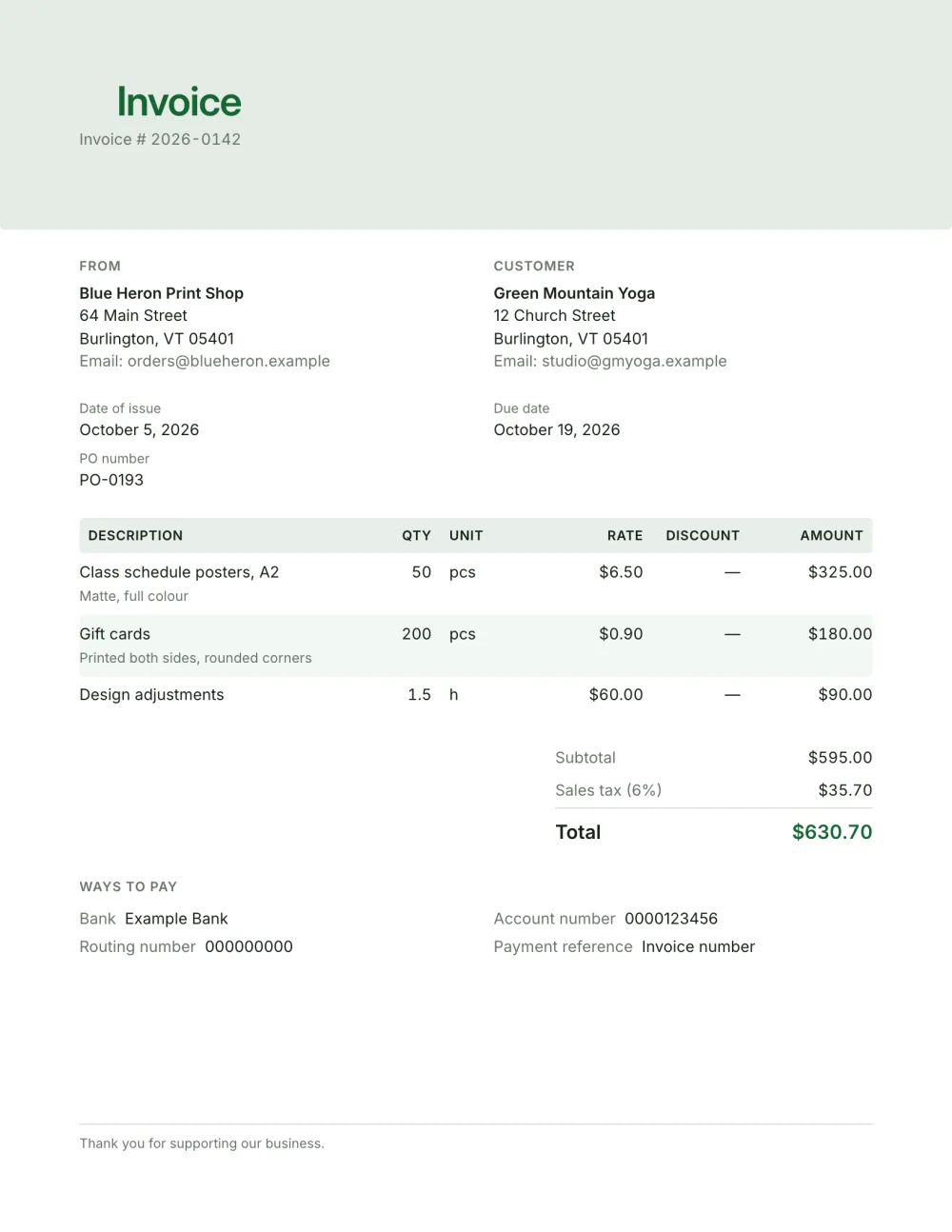
Small businesses need one invoice that works for products, services and repeat customers. This Letter-size preset combines a branded header with complete customer details, a purchase-order field and clear ways to pay.
Its striped table includes units and per-line discounts, while the totals show discounts explicitly. Notes and payment terms stay on the same document.
Fictional details, real layout — this is the document the template produces. Open it in the editor to change anything, or print it to see the PDF.
| Description | Qty | Rate | Amount |
|---|---|---|---|
| Class schedule posters, A2Matte, full colour50 pcs × $6.50 | $325.00 | ||
| Gift cardsPrinted both sides, rounded corners200 pcs × $0.90 | $180.00 | ||
| Design adjustments1.5 h × $60.00 | $90.00 | ||
| Subtotal | $595.00 | ||
| Sales tax 6% | $35.70 | ||
| Total | $630.70 | ||
Open the template. Click “Use this template” and the editor opens in your browser with this layout. There is nothing to install and no account to create.
Add your details and your client’s. Your name or business, address and tax ID go under From; your client’s go under Bill To.
List what you are charging for. One line per service or product, with a quantity and a rate. Amounts, tax and the total update as you type.
Check the number, dates and payment details. Every invoice needs a unique number and an issue date; add the due date and the bank details you want to be paid to.
Export the PDF and send it. Choose Export → Save as PDF, save the file from the print dialog and attach it to your email.
01
Customer contacts, PO number and payment terms give accounts teams the details they need.
02
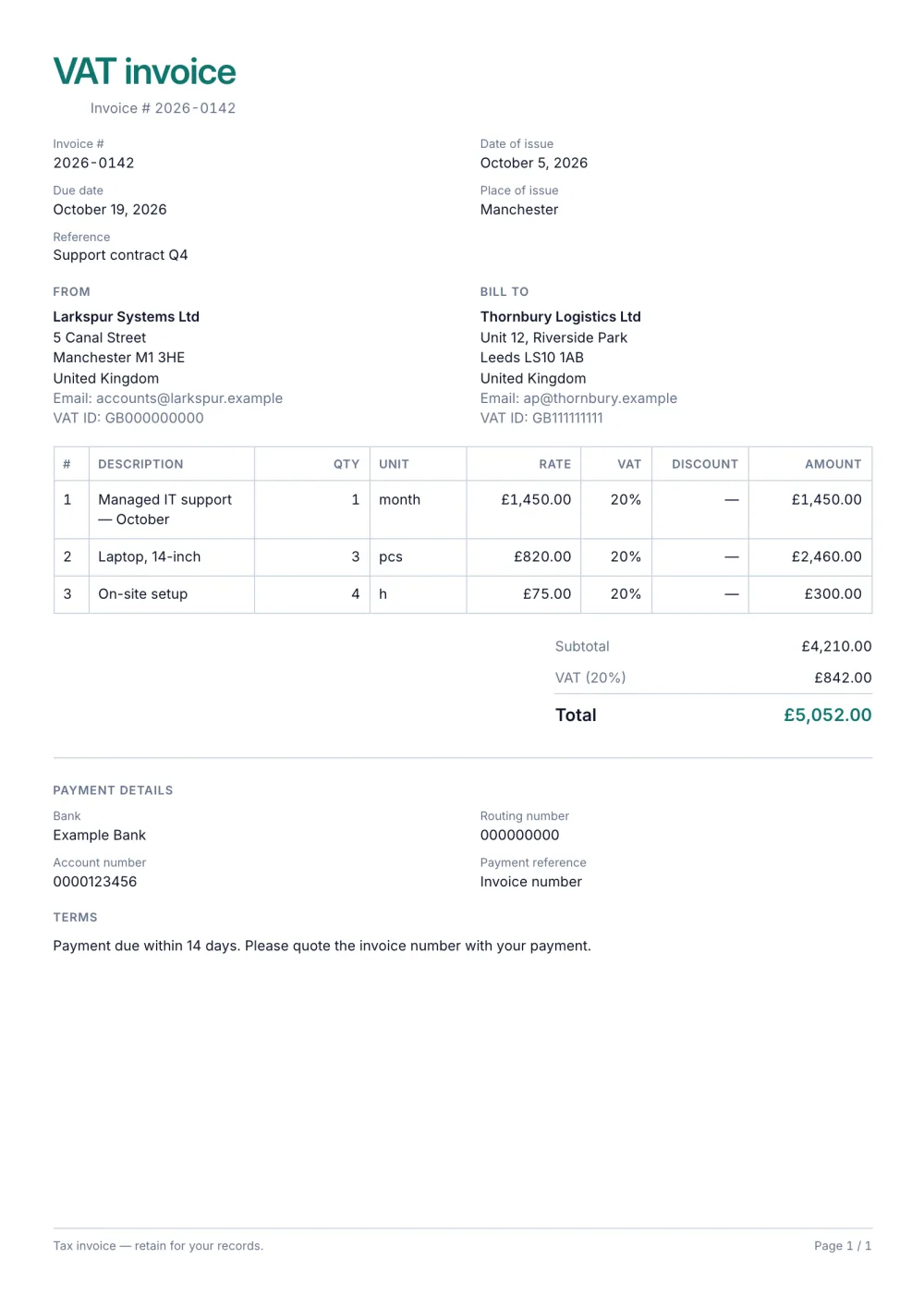
Display a discount per line and its effect in the totals instead of hiding it in the description.
03
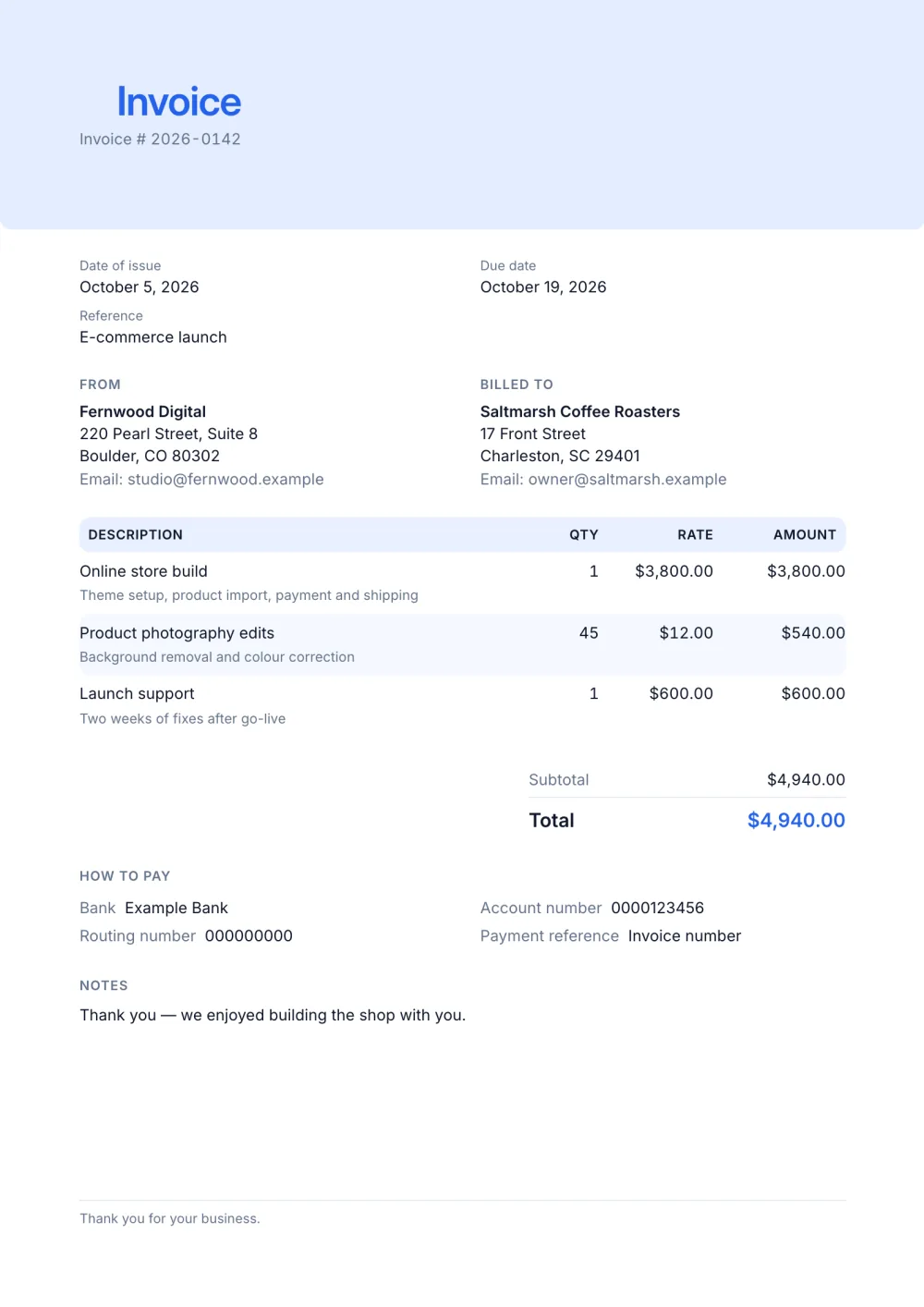
Unit, quantity, rate and detail lines handle stock, hours, visits or packages.
Your business name and contact details, the customer's details, a unique invoice number, the issue and due dates, the items with quantities and prices, any tax, the total and how to pay. Add the customer's PO number when they send one. What to include on an invoice has the full list.
Add a tax row with its label and rate; it is calculated on every taxable line, and you can mark single lines as not taxable. VAT and sales tax on invoices explains the basics.
Use one continuous sequence, never reuse a number and keep the format consistent — a prefix and the year help when the count grows. Invoice numbering best practices shows common schemes.
Yes. The template, the editor and the PDF export are free, with no account and no sign-up. Your invoice is saved in your browser and never uploaded.
As a PDF: fill it in online, choose Export → Save as PDF and save the file from the print dialog. It is not a Word or Excel file, so there are no formulas to break — the totals and tax are calculated for you. You can also copy a share link that reopens the invoice, or keep a JSON copy.
Yes. Switch blocks on or off, reorder them, change the accent colour, the labels, the paper size and the number and date formats — or switch to another template at any time without retyping your content.
It opens straight in Generate — start from this layout and send it today.