Free invoice templates you edit in the browser
Free invoice templates for freelancers, contractors and small businesses. Pick a style, fill it in online and export a PDF — no account needed.
Questions
Which invoice template should I use?
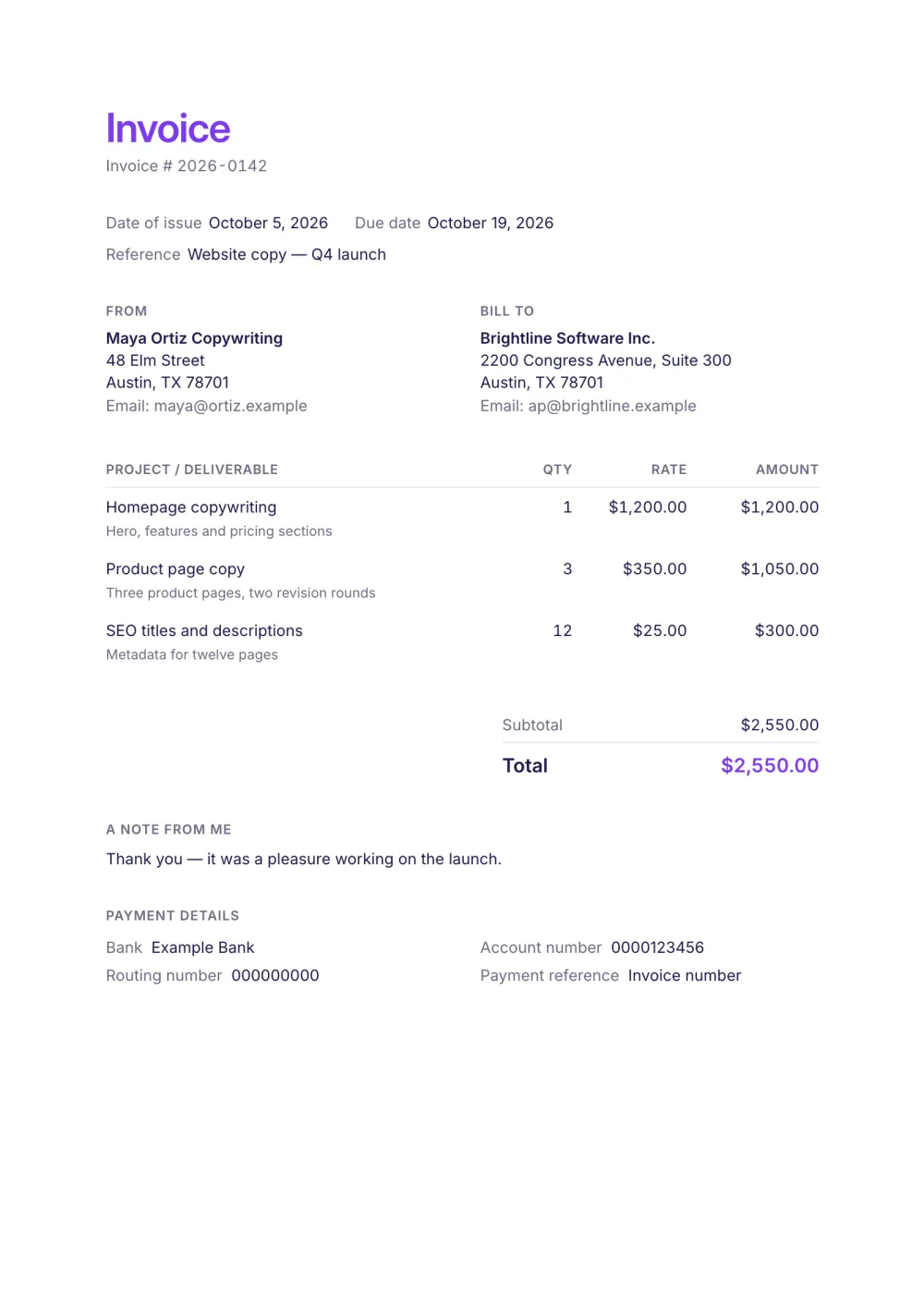
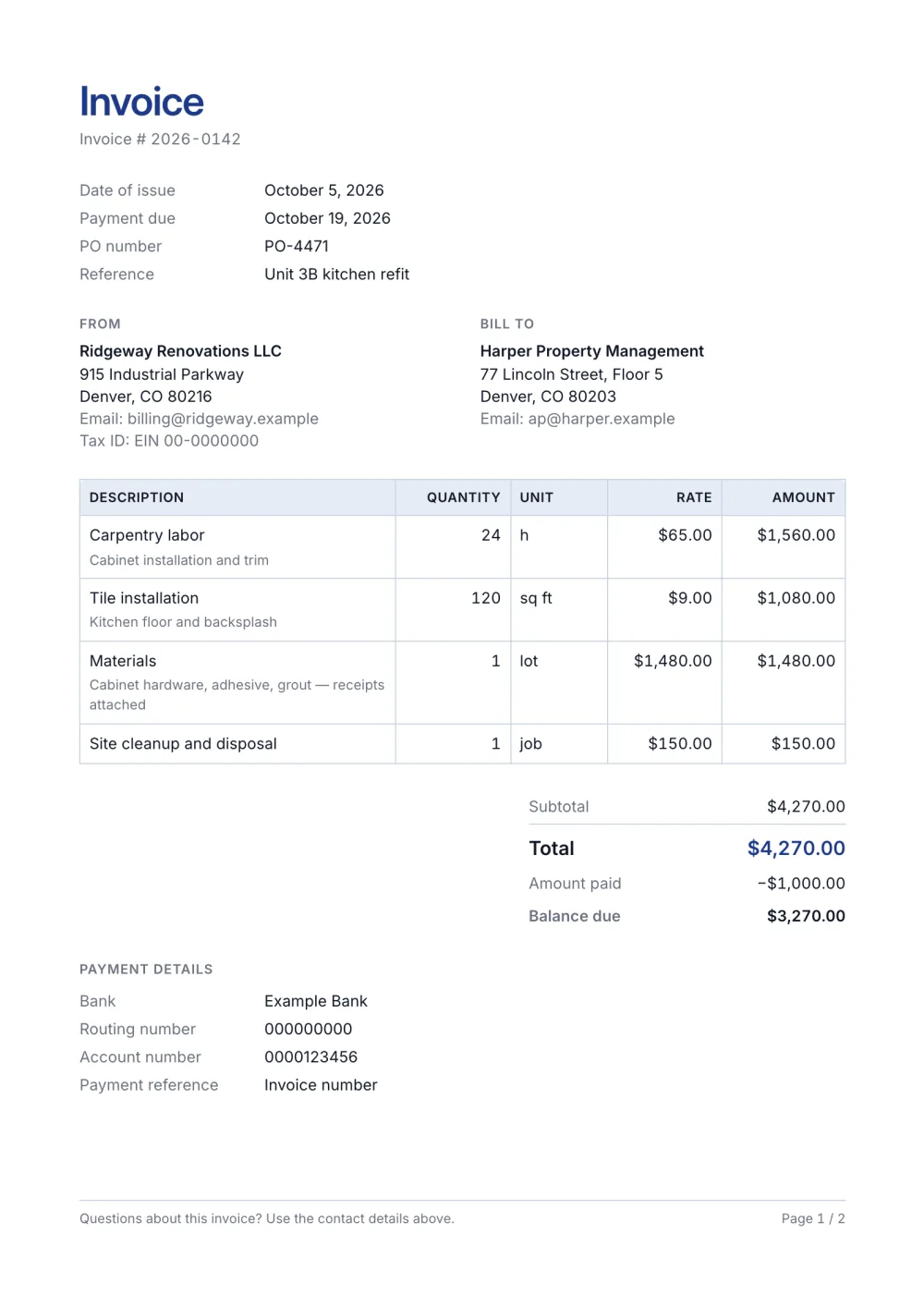
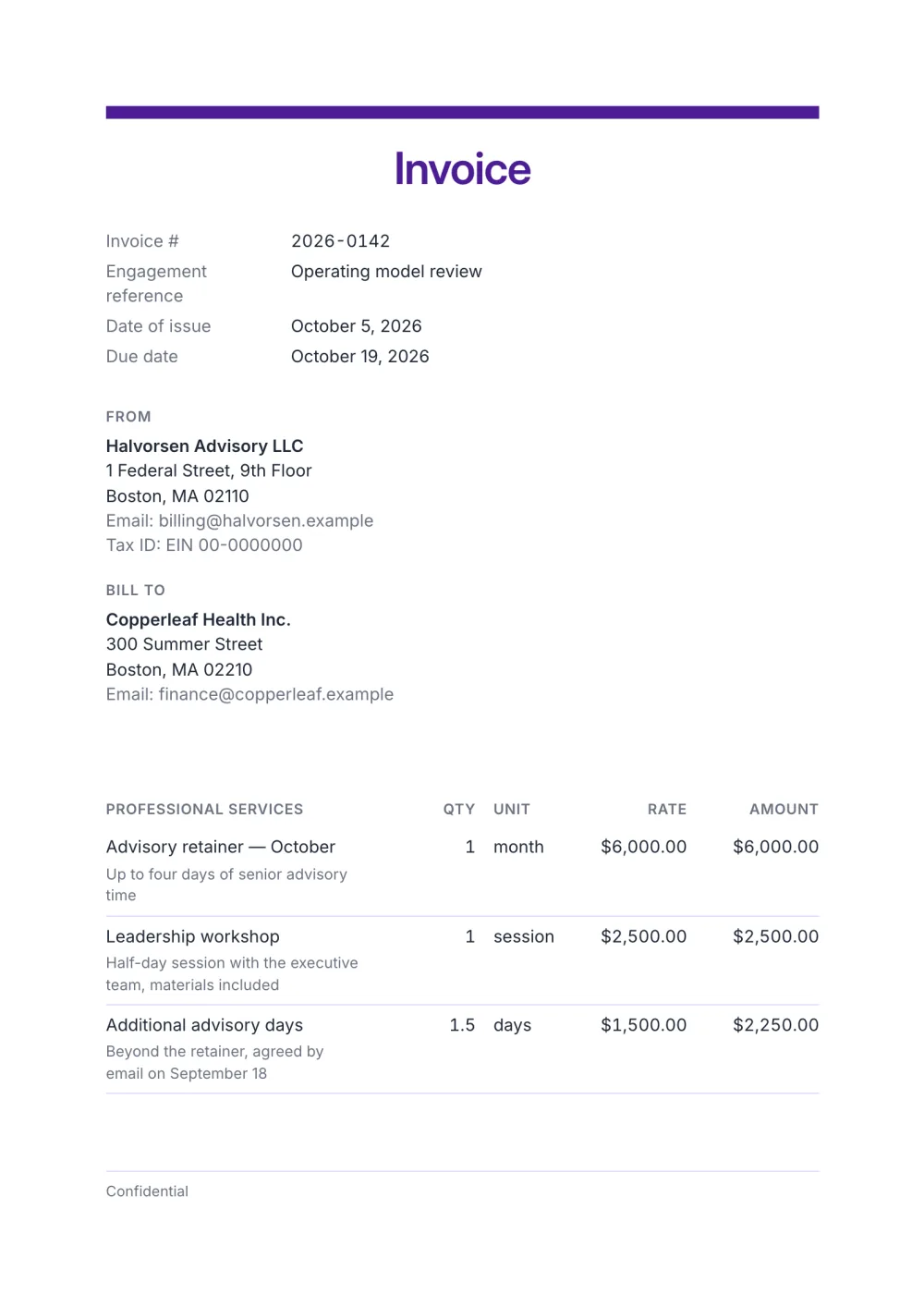
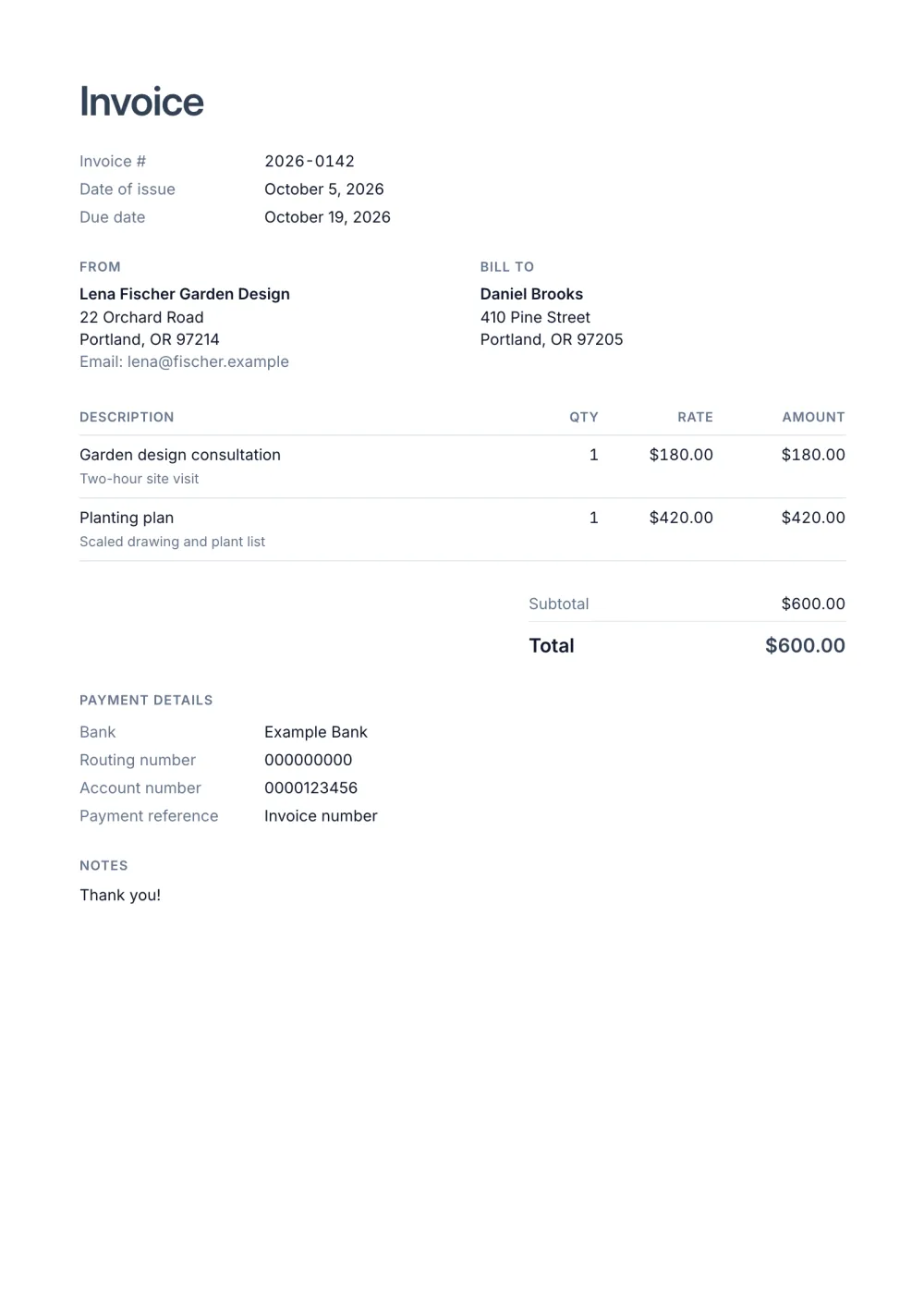
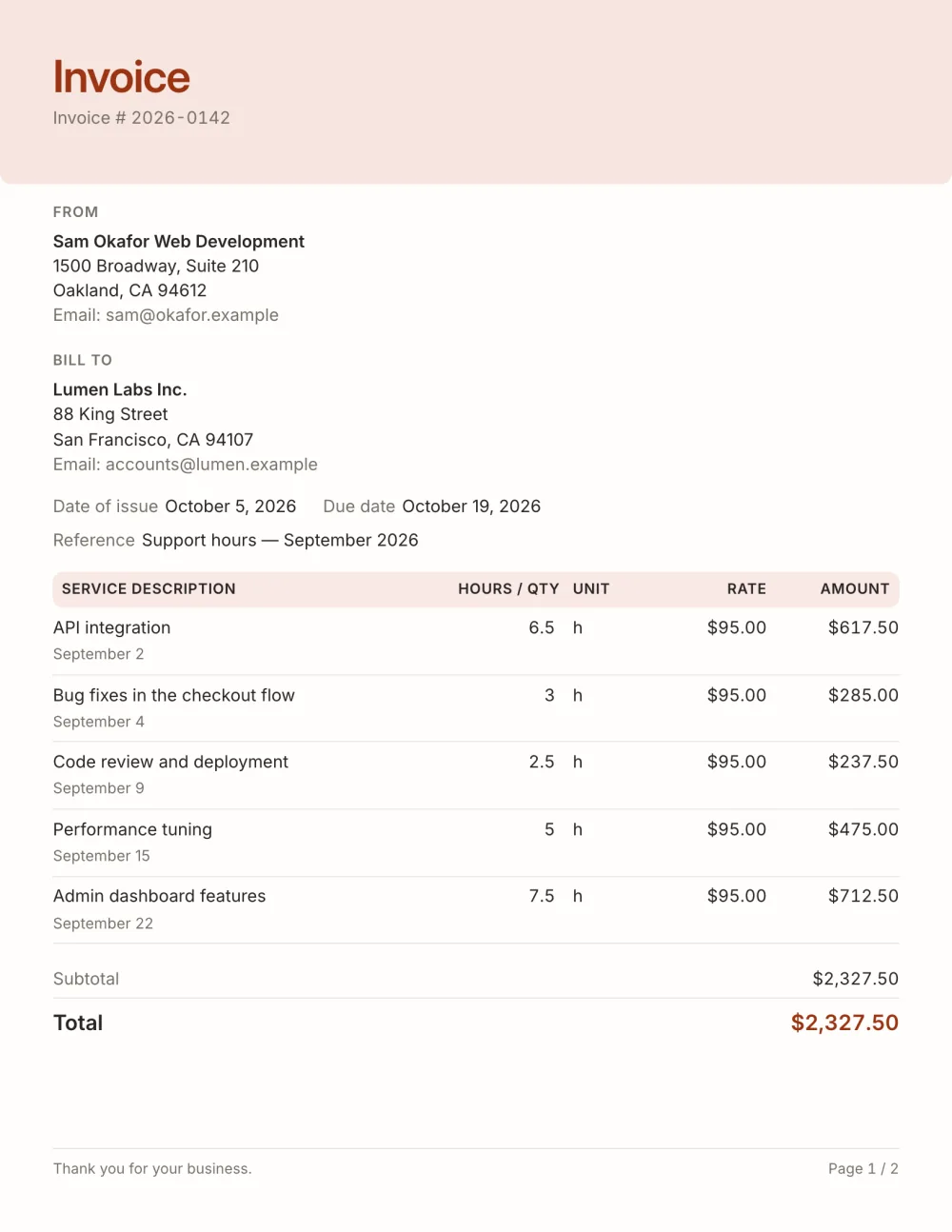
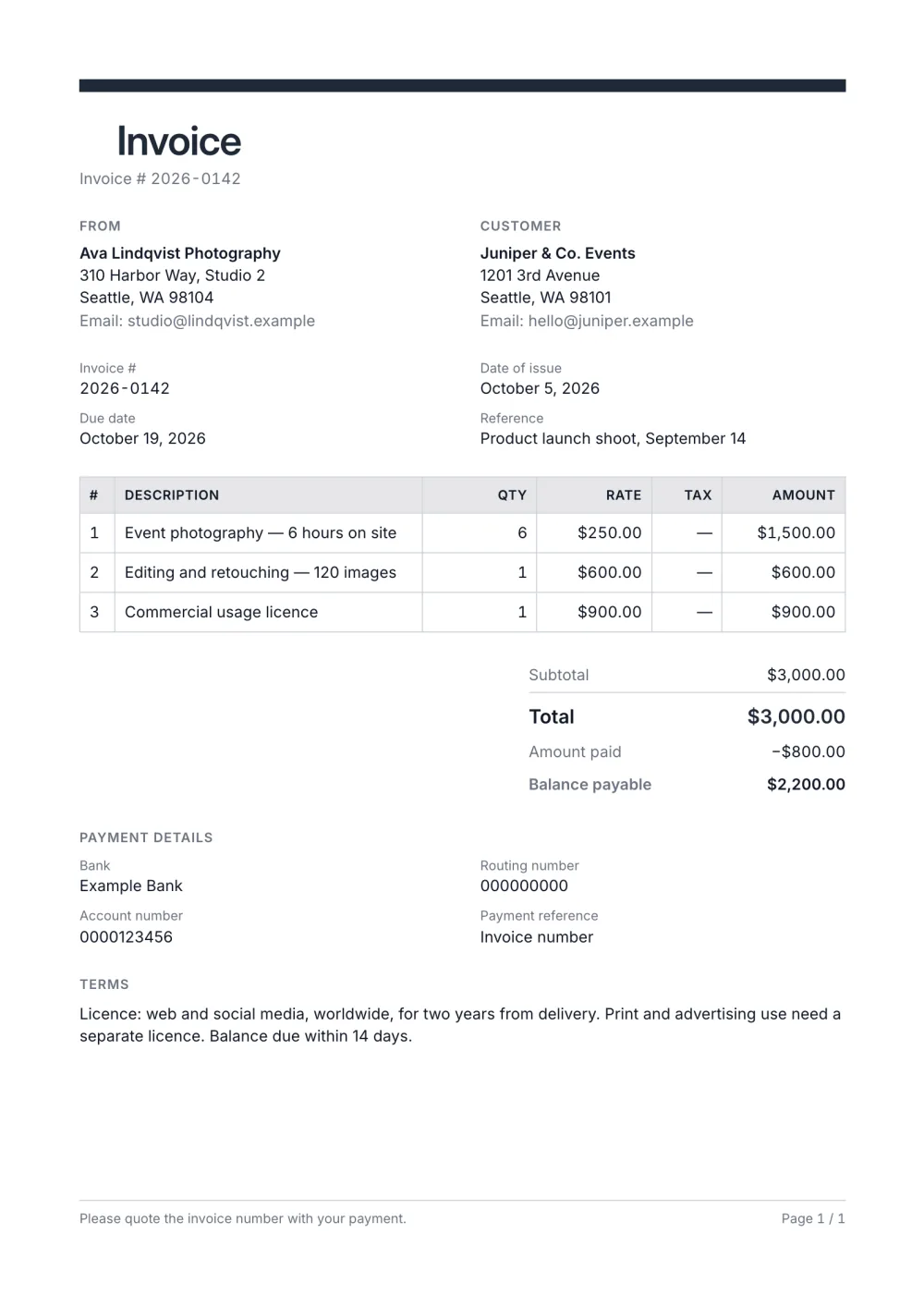
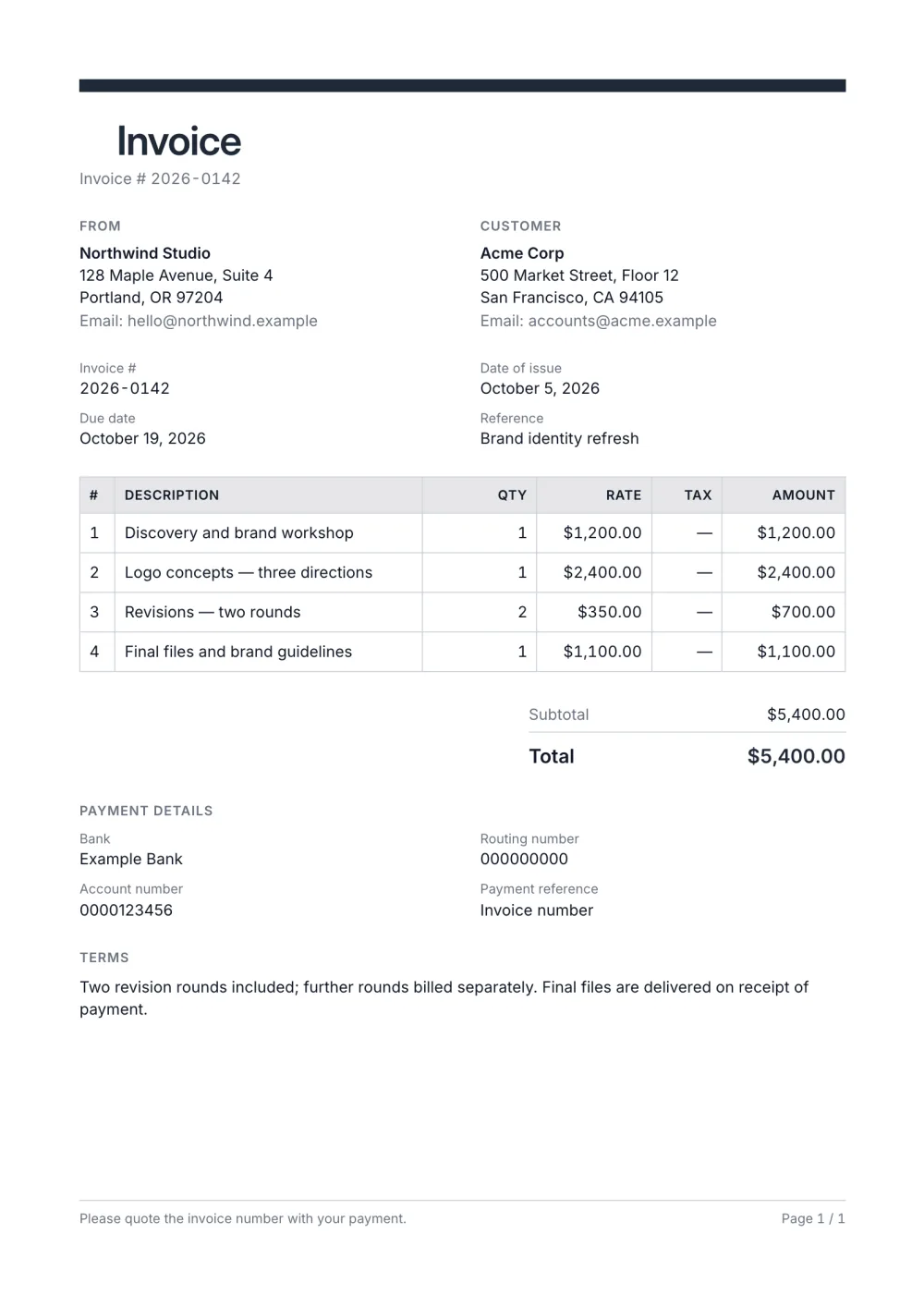
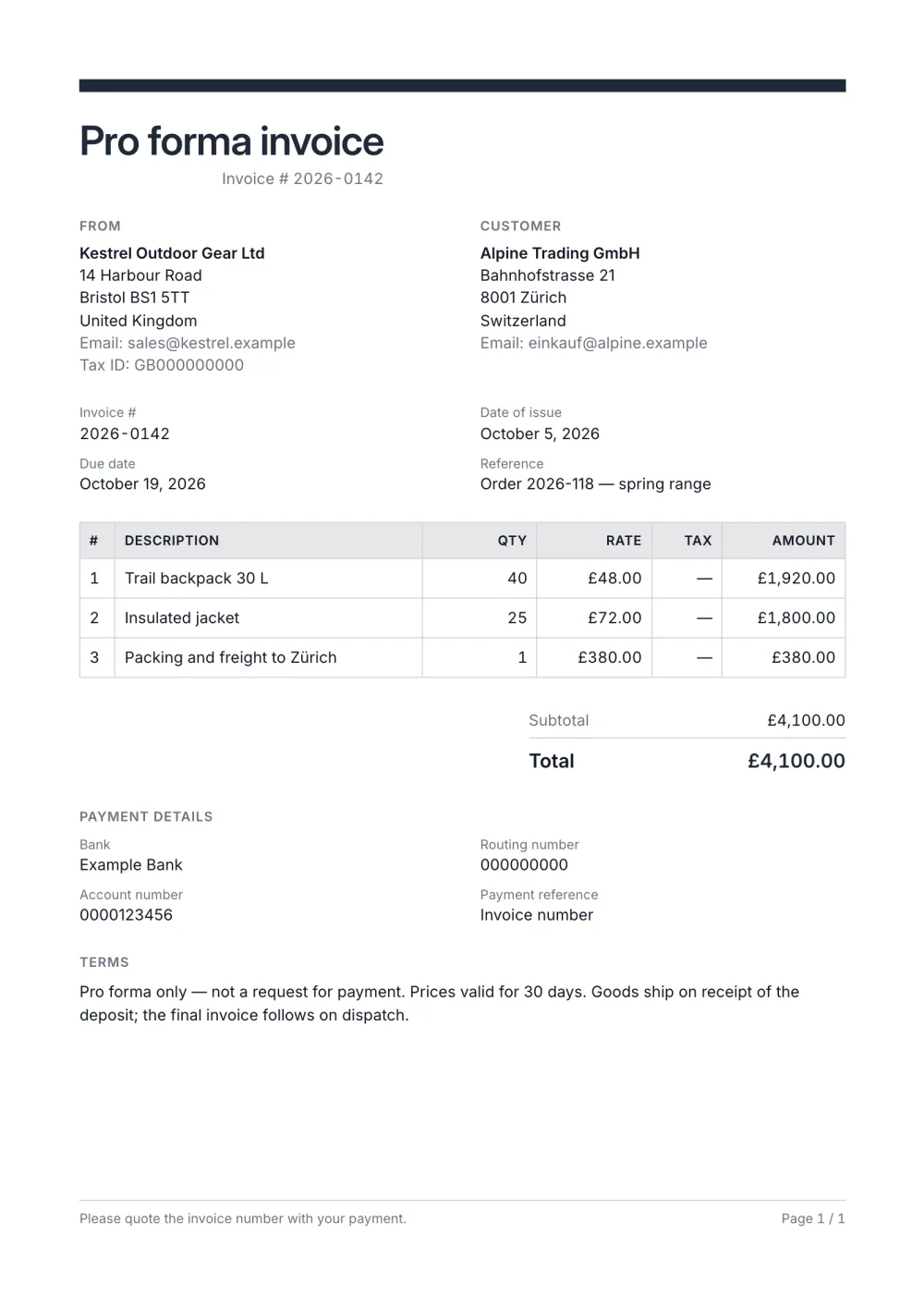
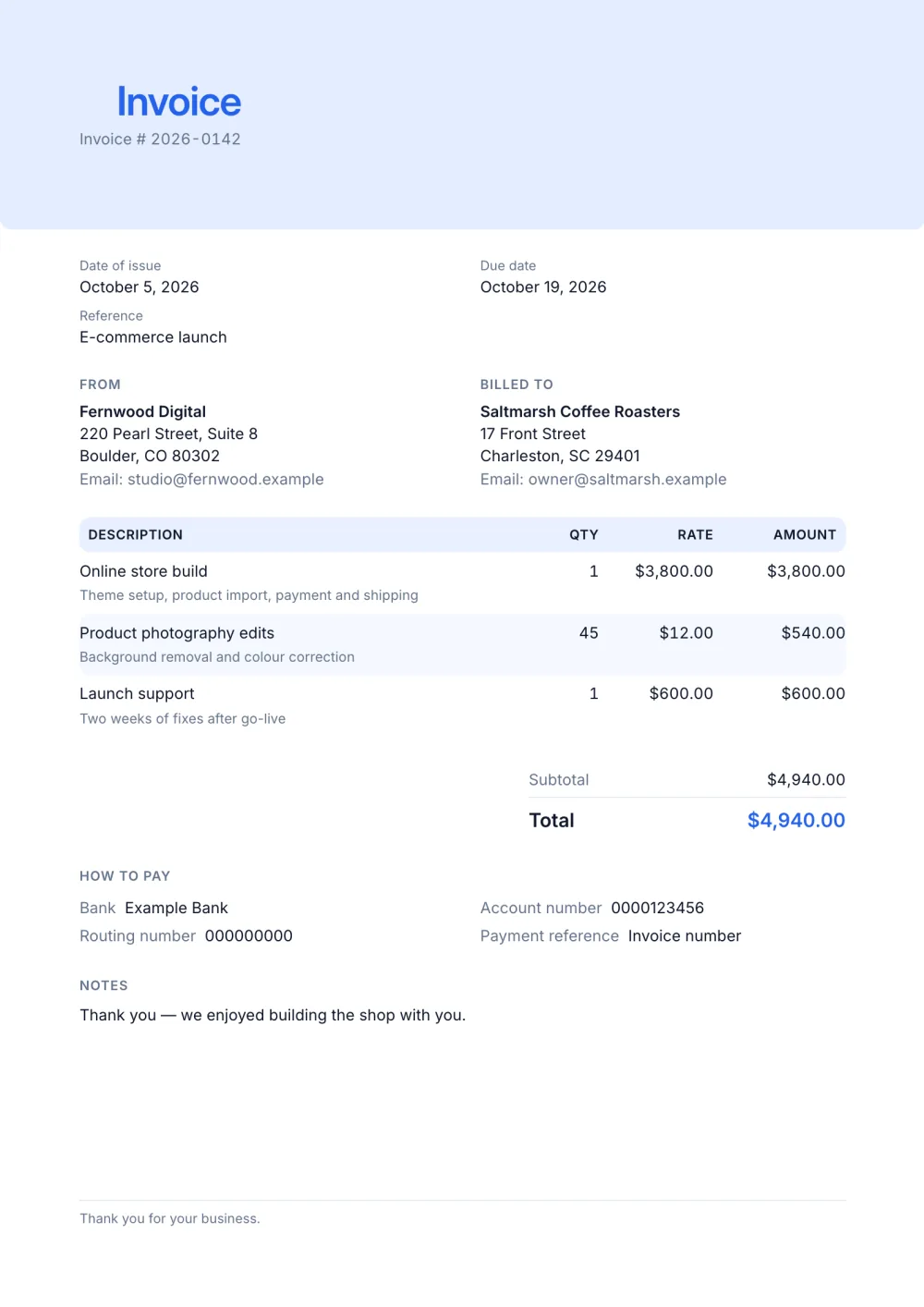
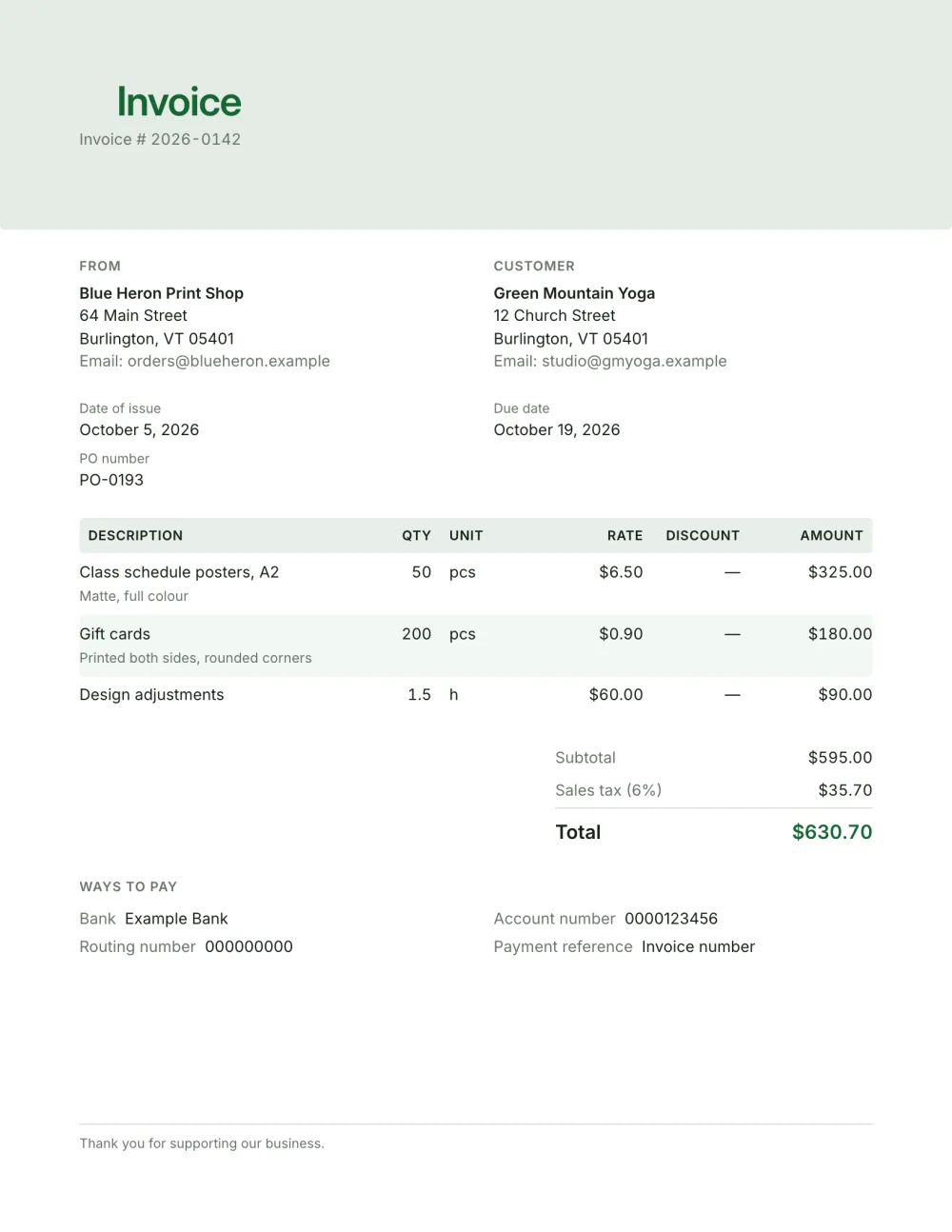
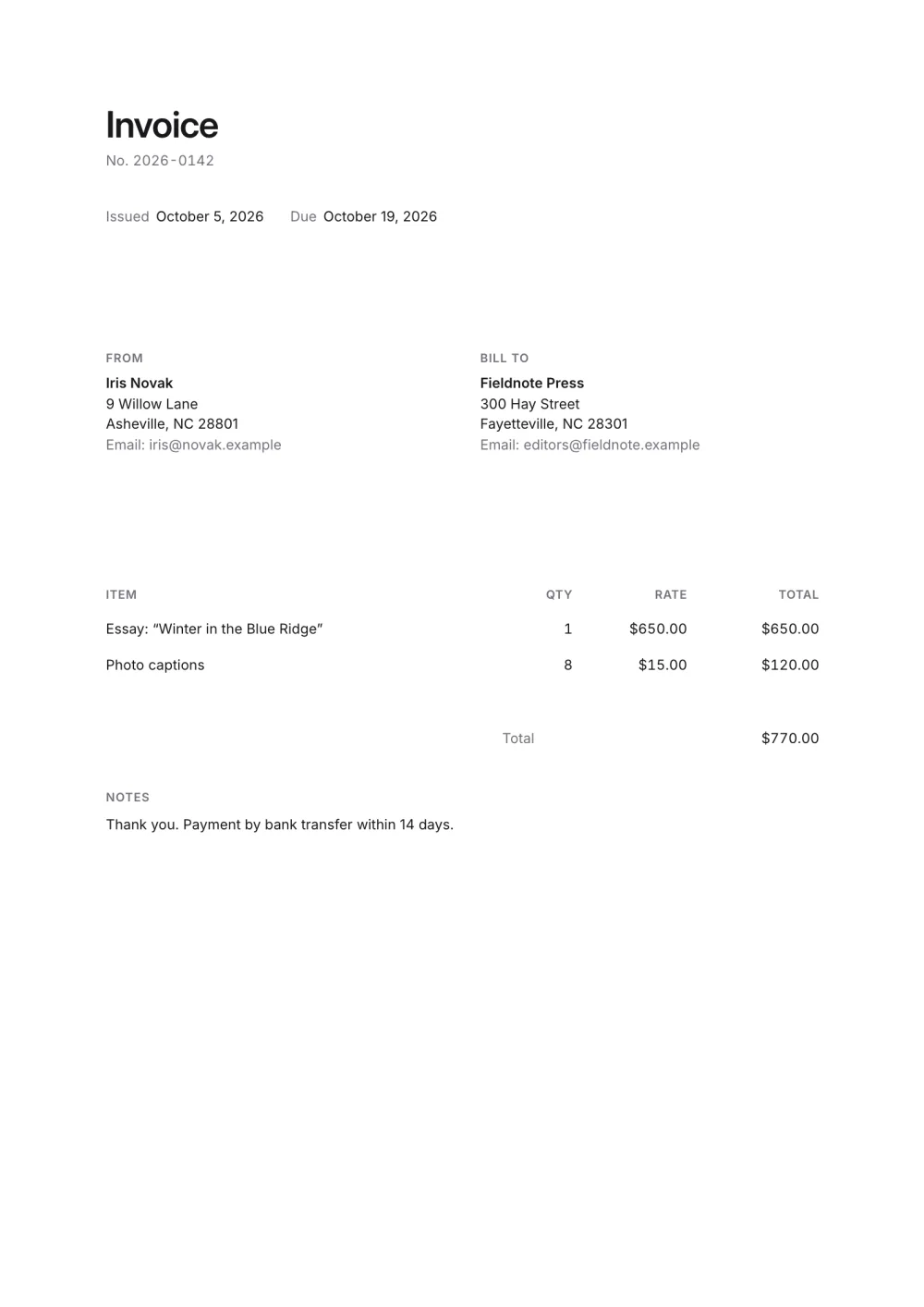
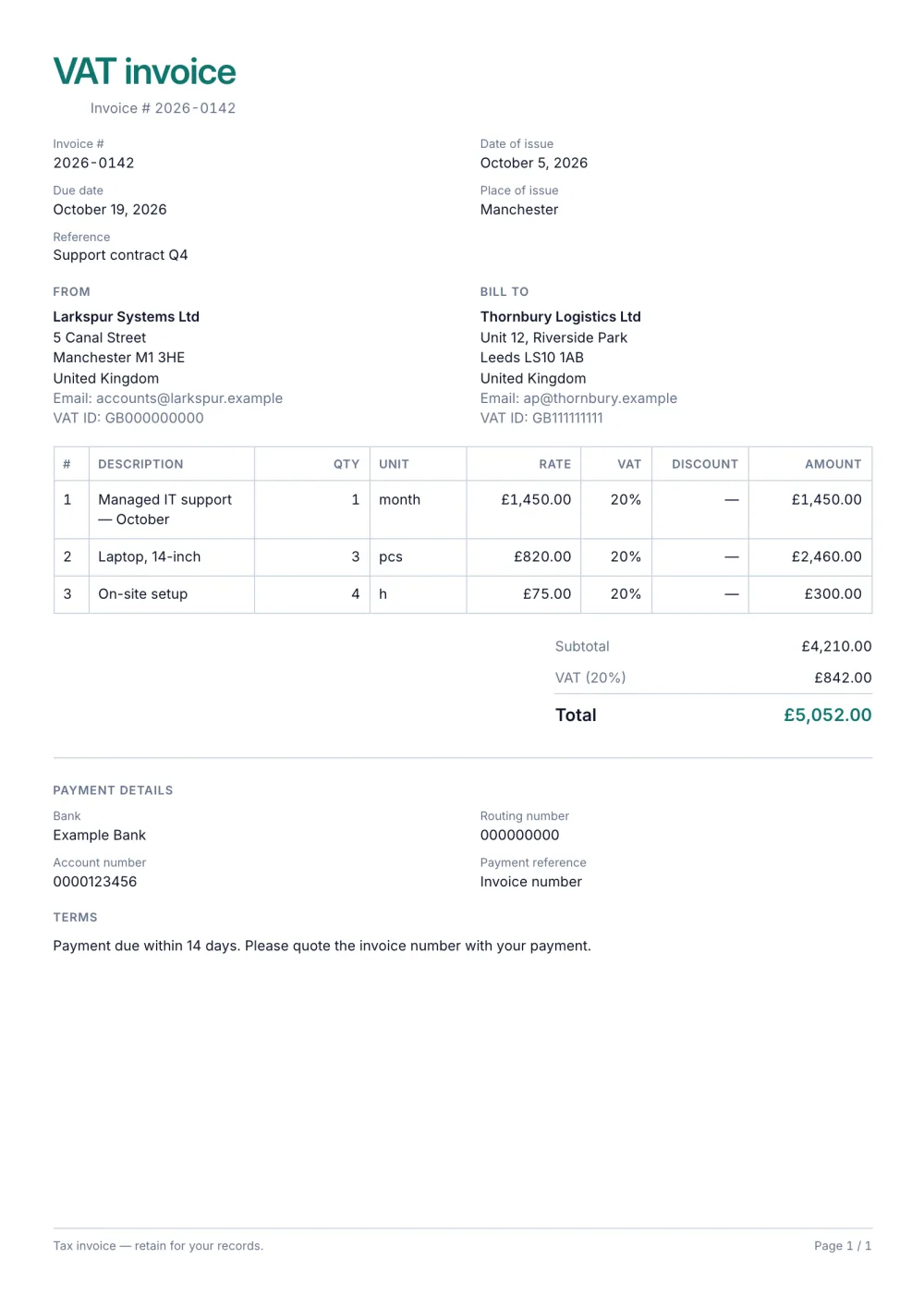
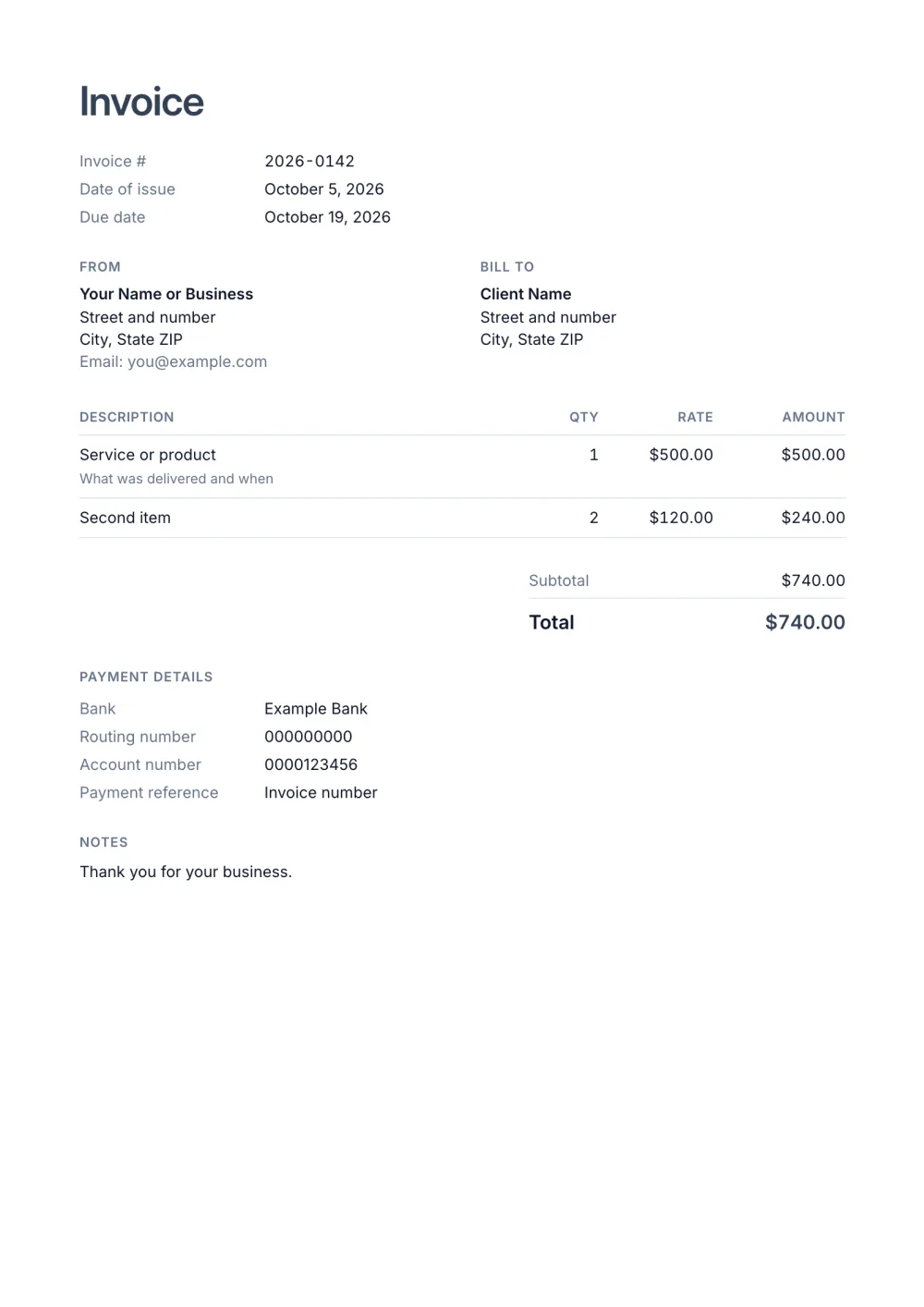
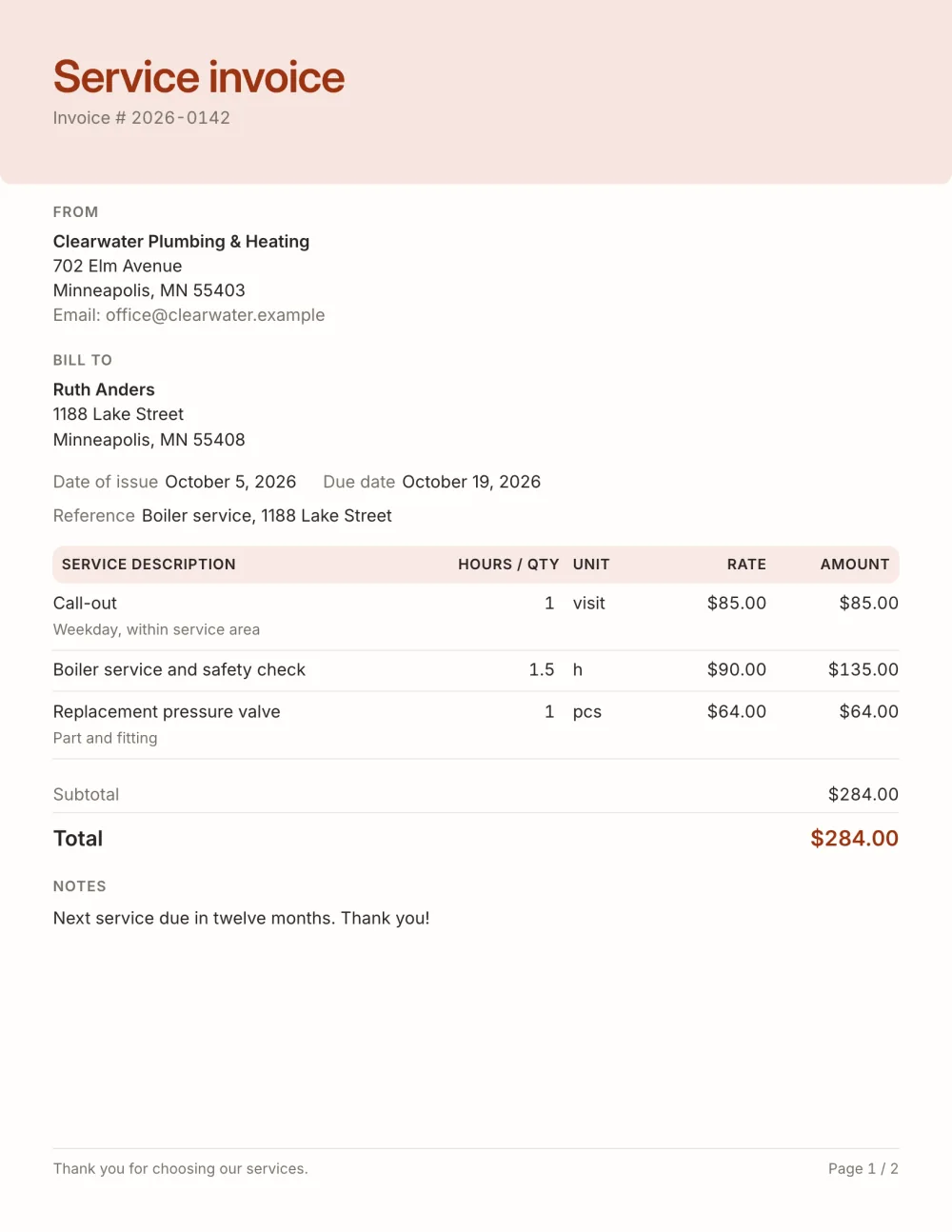
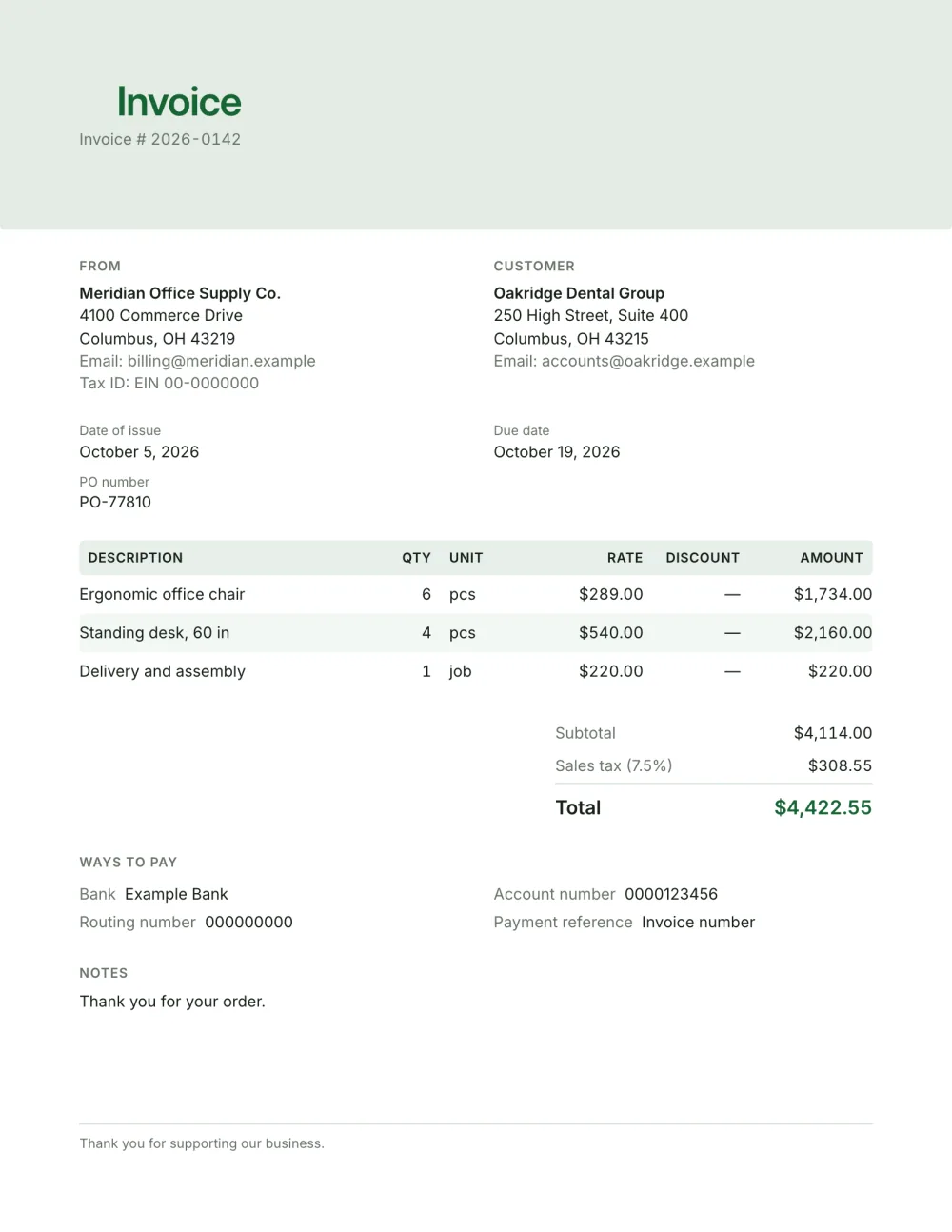
Start from the work you bill. Project work suits the freelance invoice template, time billed by the hour fits the hourly invoice template, trades and jobs against a purchase order fit the contractor invoice template, and VAT-registered businesses should start from the VAT invoice template. You can switch template later without retyping anything.
Are these invoice templates really free?
Yes. Every template, the editor and the PDF export are free, with no account, no trial and no paid tier. Invoices are saved in your browser, not on a server.
Can I use these templates in Word, Excel or Google Docs?
They are not Word or Excel files: you fill them in online and export a PDF, so there are no formulas to break or cells to unmerge, and the totals and tax are calculated for you. The comparisons with a Word invoice template and an Excel invoice template explain the trade-offs.
What does every invoice need?
Your details and your client's, a unique invoice number, the issue date, what you are charging for with quantities and prices, the total and how to pay — plus your tax ID and the tax amount if you are registered for tax. What to include on an invoice has the full checklist.
Can I add my logo and brand colour?
Yes. Upload your logo in the invoice header and change the accent colour; the header, table and total follow it. How to add a logo to an invoice covers file formats and sizes.
Pick one and make it yours
Every template is a starting point — change the blocks, colours and labels on any invoice.