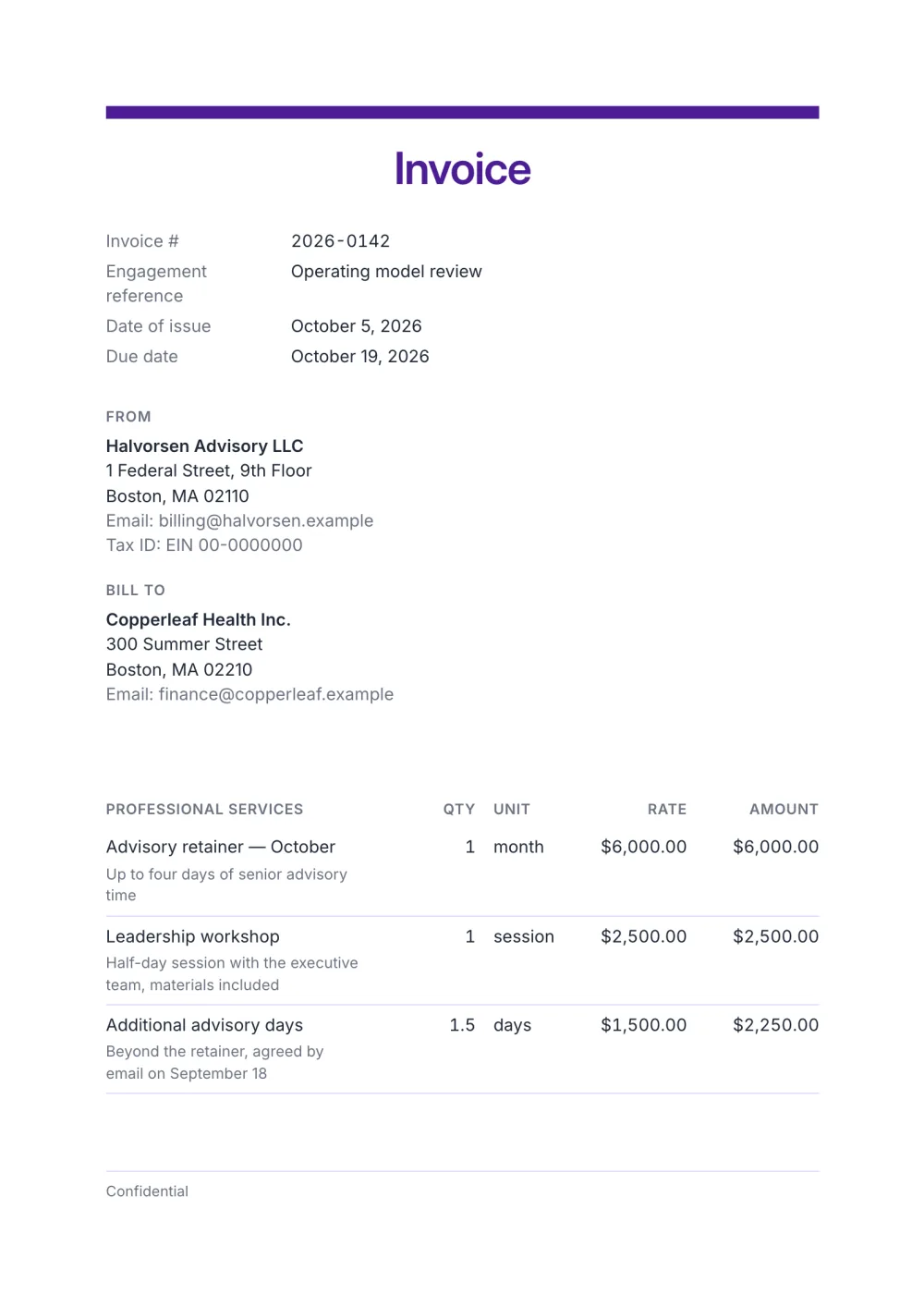
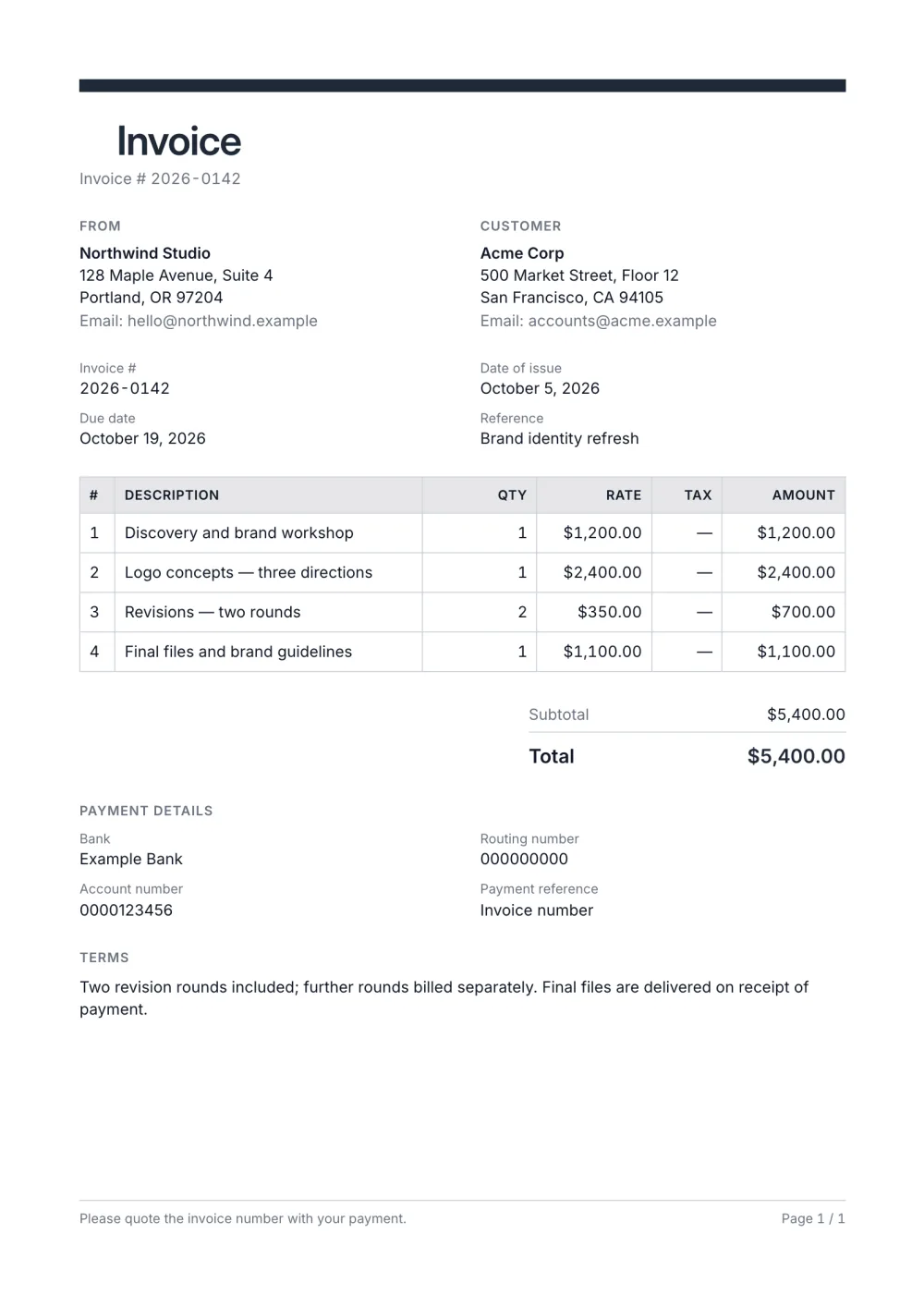
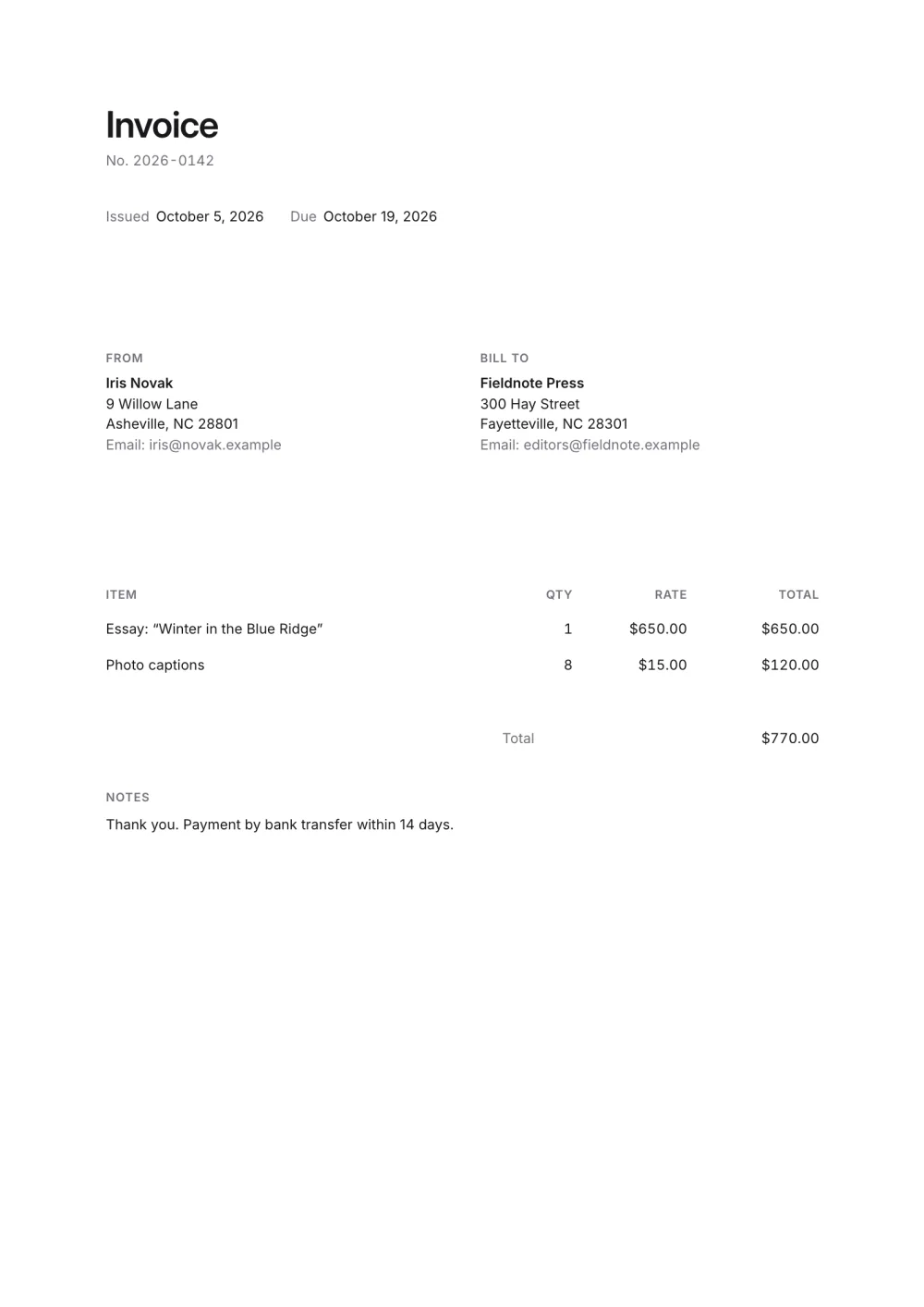
01
Brand-led header
One accent colour carries through the tinted header and filled table heading.
A modern invoice template with an accent-tinted header, rounded corners and a striped table. Add your brand, edit online and export a free PDF.
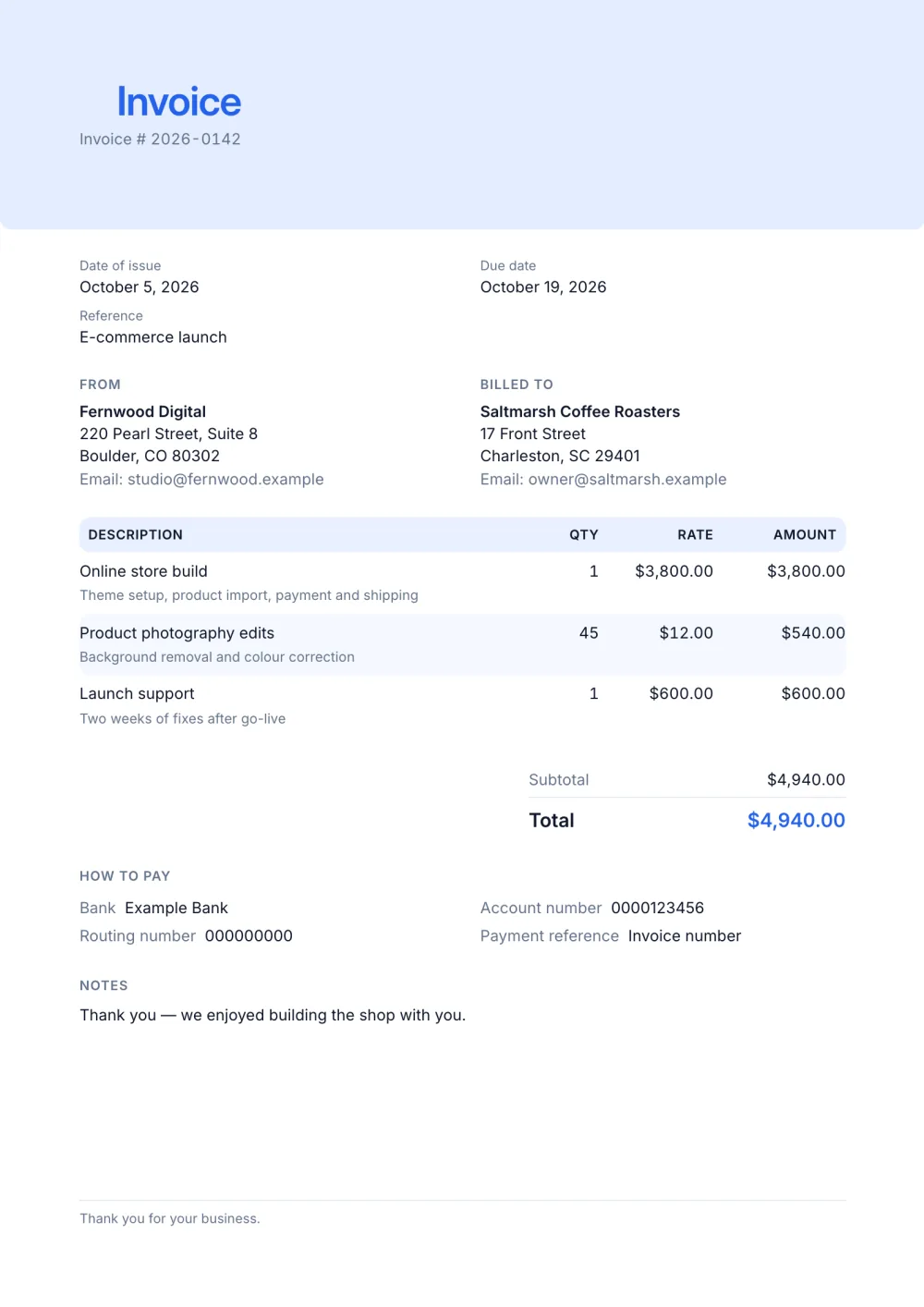
The Modern preset gives a familiar invoice structure a polished visual hierarchy. Its accent-tinted header band, rounded corners and striped item rows make dates, client details and charges easy to scan.
It keeps practical billing details close: issue and due dates, a reference, tax IDs, website, payment instructions and notes, without turning the page into a dense form.
Fictional details, real layout — this is the document the template produces. Open it in the editor to change anything, or print it to see the PDF.
| Description | Qty | Rate | Amount |
|---|---|---|---|
| Online store buildTheme setup, product import, payment and shipping1 × $3,800.00 | $3,800.00 | ||
| Product photography editsBackground removal and colour correction45 × $12.00 | $540.00 | ||
| Launch supportTwo weeks of fixes after go-live1 × $600.00 | $600.00 | ||
| Total | $4,940.00 | ||
Open the template. Click “Use this template” and the editor opens in your browser with this layout. There is nothing to install and no account to create.
Add your details and your client’s. Your name or business, address and tax ID go under From; your client’s go under Bill To.
List what you are charging for. One line per service or product, with a quantity and a rate. Amounts, tax and the total update as you type.
Check the number, dates and payment details. Every invoice needs a unique number and an issue date; add the due date and the bank details you want to be paid to.
Export the PDF and send it. Choose Export → Save as PDF, save the file from the print dialog and attach it to your email.
01
One accent colour carries through the tinted header and filled table heading.
02
Striped rows separate detailed services while keeping quantities and amounts aligned.
03
Reference, website, tax ID, payment and notes fields are included without unnecessary columns.
Yes, as long as the information is complete and easy to find. Colour and rounded corners change how it looks, not what it contains — the number, dates, parties, items, totals and payment details are all where finance teams expect them.
Yes. Change the accent once — pick it or type the hex value — and the header band, table heading and total follow it.
Yes. Switch the paper size above the document and the layout reflows; the exported PDF uses the size you chose.
Yes. The template, the editor and the PDF export are free, with no account and no sign-up. Your invoice is saved in your browser and never uploaded.
As a PDF: fill it in online, choose Export → Save as PDF and save the file from the print dialog. It is not a Word or Excel file, so there are no formulas to break — the totals and tax are calculated for you. You can also copy a share link that reopens the invoice, or keep a JSON copy.
Yes. Switch blocks on or off, reorder them, change the accent colour, the labels, the paper size and the number and date formats — or switch to another template at any time without retyping your content.
It opens straight in Generate — start from this layout and send it today.