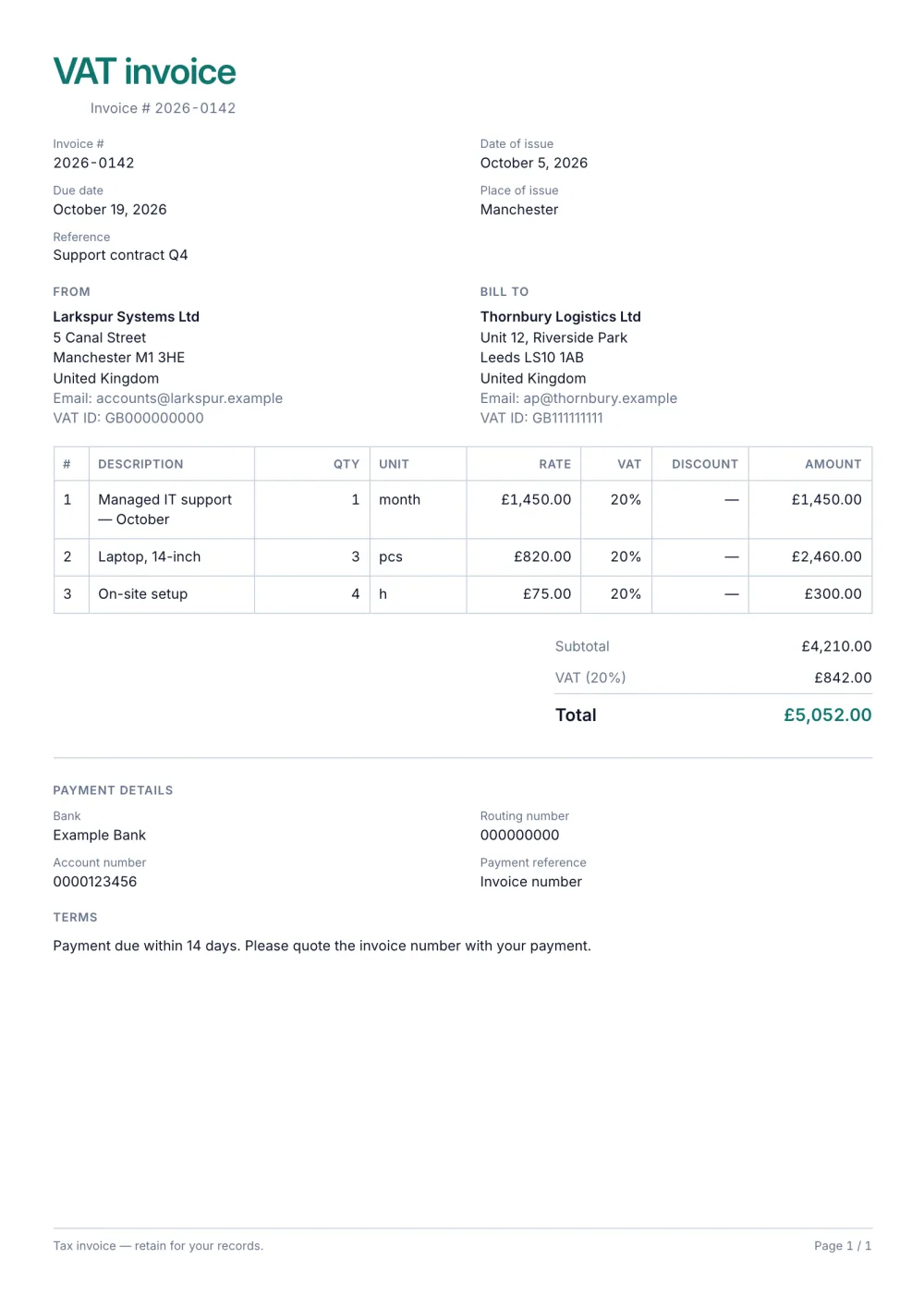
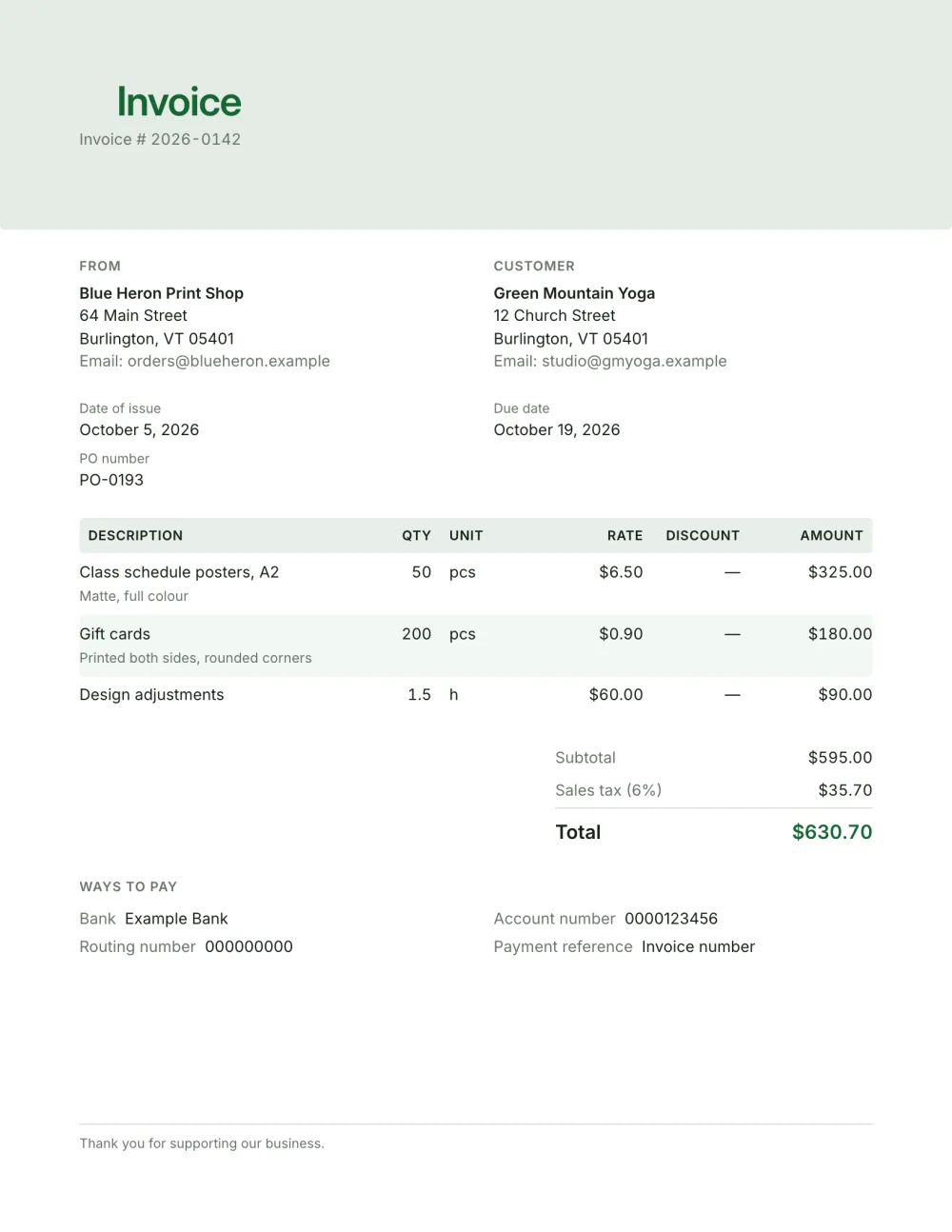
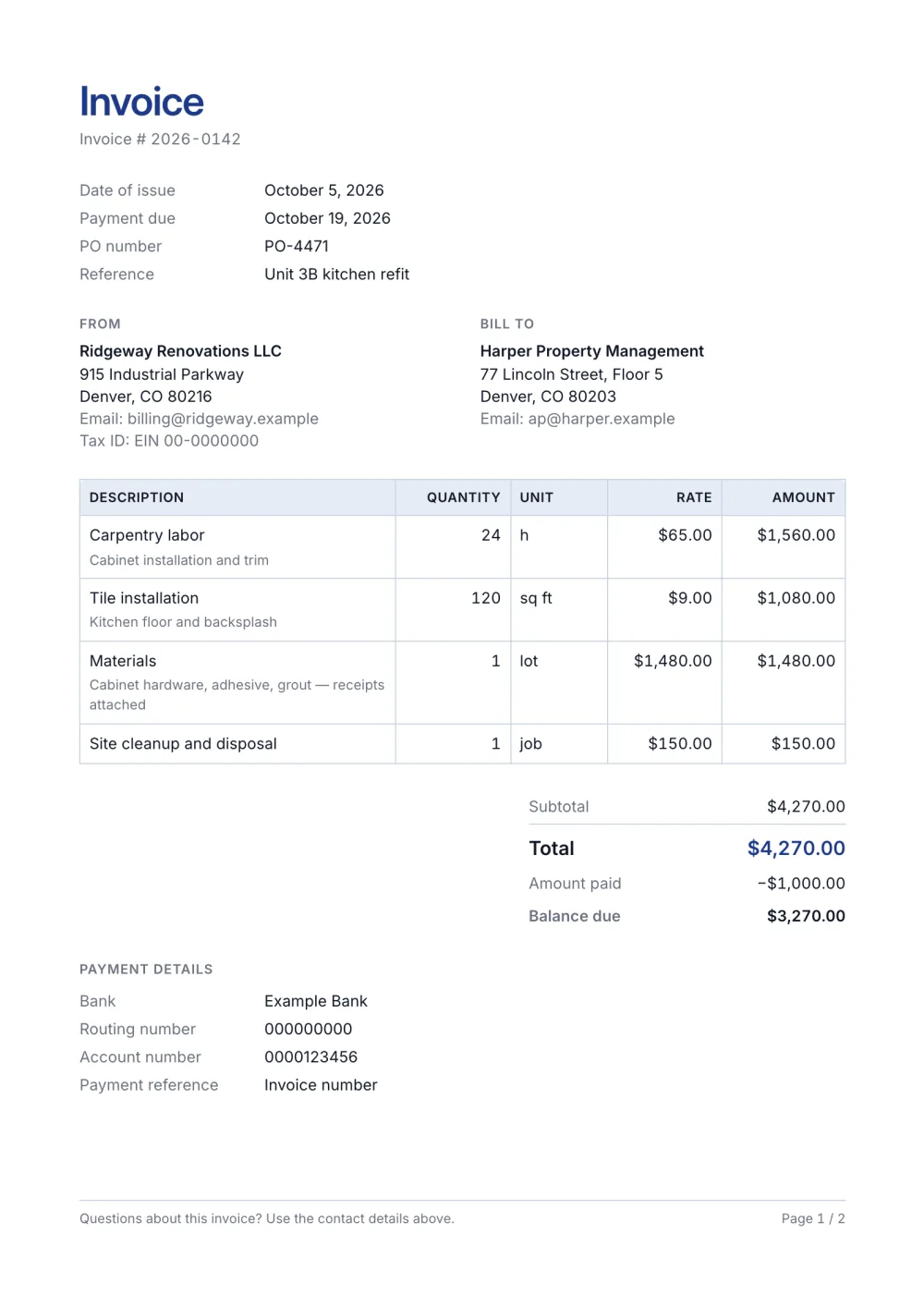
01
Clearly not a tax invoice
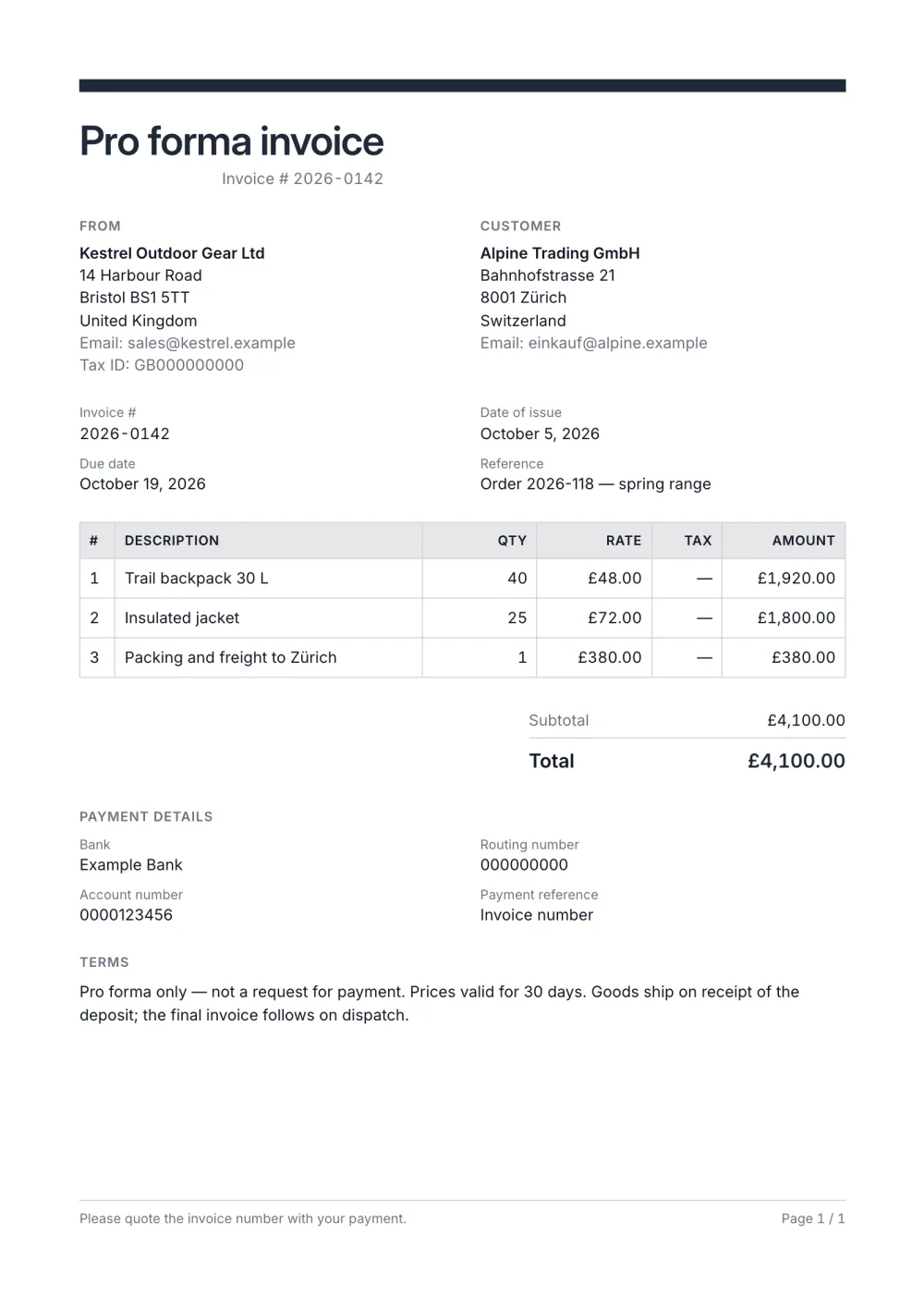
The title is editable per document, so it says what it is, and the terms can state that it is not a request for payment.
A pro forma invoice template titled correctly, with a validity note in the terms and your final invoice's layout. Free, in the browser, export a PDF.
A pro forma invoice is a preliminary bill — a commitment of what will be charged, sent before goods ship or work starts. It must be titled so it is not confused with a tax invoice, and it usually states how long the offer is valid.
This template takes the Professional layout, renames the title to "Pro forma invoice" and uses the terms block for validity and conditions. When the deal is confirmed, change the title back to "Invoice", give it the next number in your series and issue it as the final invoice. Proforma invoice explained covers when to send one.
Fictional details, real layout — this is the document the template produces. Open it in the editor to change anything, or print it to see the PDF.
| Description | Qty | Rate | Amount |
|---|---|---|---|
| Trail backpack 30 L40 × £48.00 | £1,920.00 | ||
| Insulated jacket25 × £72.00 | £1,800.00 | ||
| Packing and freight to Zürich1 × £380.00 | £380.00 | ||
| Total | £4,100.00 | ||
Open the template. Click “Use this template” and the editor opens in your browser with this layout. There is nothing to install and no account to create.
Add your details and your client’s. Your name or business, address and tax ID go under From; your client’s go under Bill To.
List what you are charging for. One line per service or product, with a quantity and a rate. Amounts, tax and the total update as you type.
Check the number, dates and payment details. Every invoice needs a unique number and an issue date; add the due date and the bank details you want to be paid to.
Export the PDF and send it. Choose Export → Save as PDF, save the file from the print dialog and attach it to your email.
01
The title is editable per document, so it says what it is, and the terms can state that it is not a request for payment.
02
When the deal is confirmed, change the title and the number and issue the same lines as the final invoice.
03
The terms block holds how long the prices are valid and what happens on acceptance.
A pro forma invoice is an advance statement of what will be charged; a commercial invoice requests payment for goods or services already supplied. A pro forma is not usually entered in the accounts or used to reclaim tax. Proforma invoice explained goes into detail.
Give it a reference so both sides can refer to it, but keep it out of your invoice number sequence — the final invoice gets the next number in your series when it is issued.
Often they do — a deposit or full prepayment before goods ship is a common reason to send one. Issue the final invoice once the goods ship or the work is done, showing the amount already paid.
Yes. The template, the editor and the PDF export are free, with no account and no sign-up. Your invoice is saved in your browser and never uploaded.
As a PDF: fill it in online, choose Export → Save as PDF and save the file from the print dialog. It is not a Word or Excel file, so there are no formulas to break — the totals and tax are calculated for you. You can also copy a share link that reopens the invoice, or keep a JSON copy.
Yes. Switch blocks on or off, reorder them, change the accent colour, the labels, the paper size and the number and date formats — or switch to another template at any time without retyping your content.
It opens straight in Generate — start from this layout and send it today.