Pick a template
Ten presets, each a different combination of blocks and styling. Switch at any time — your content stays.
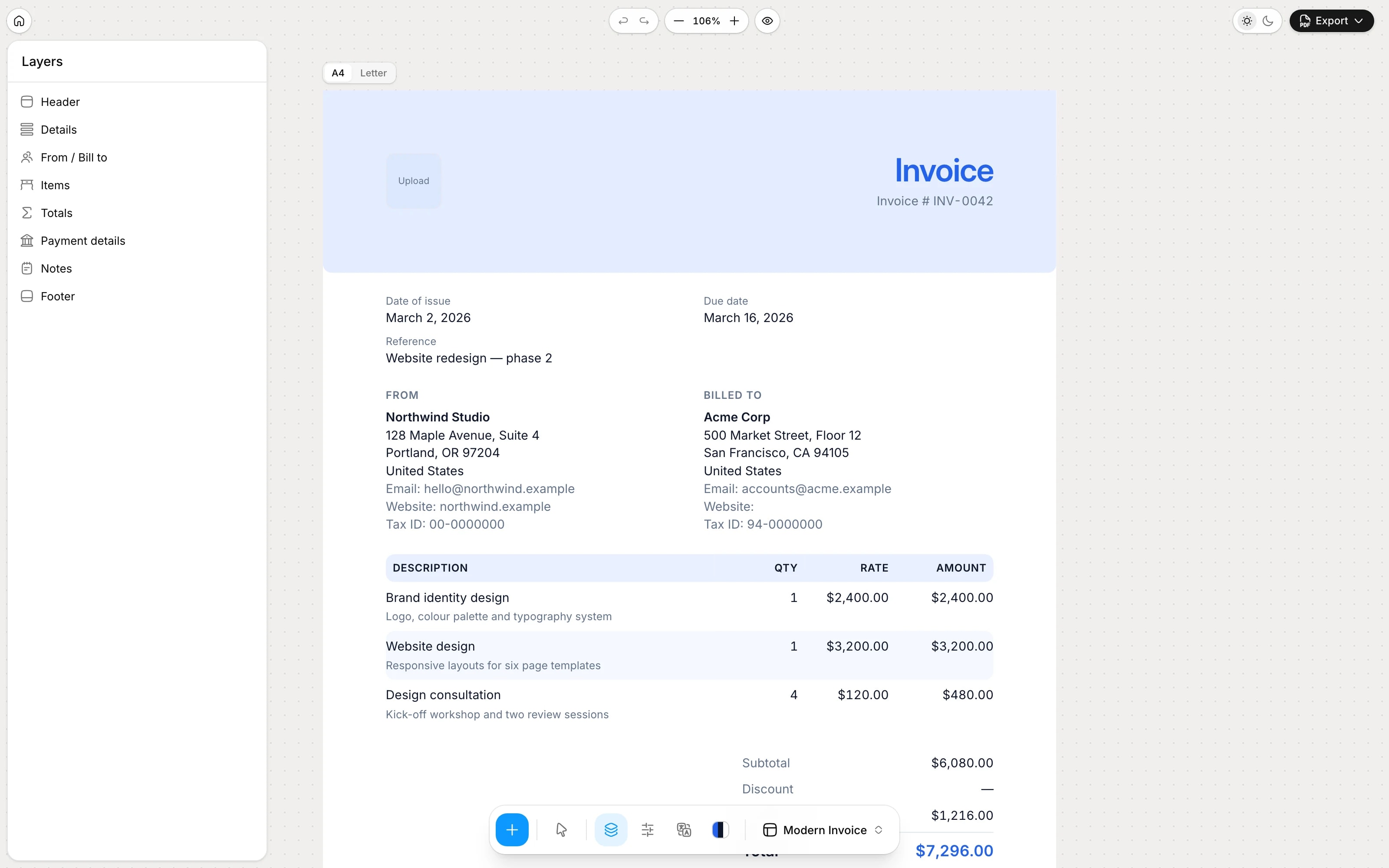
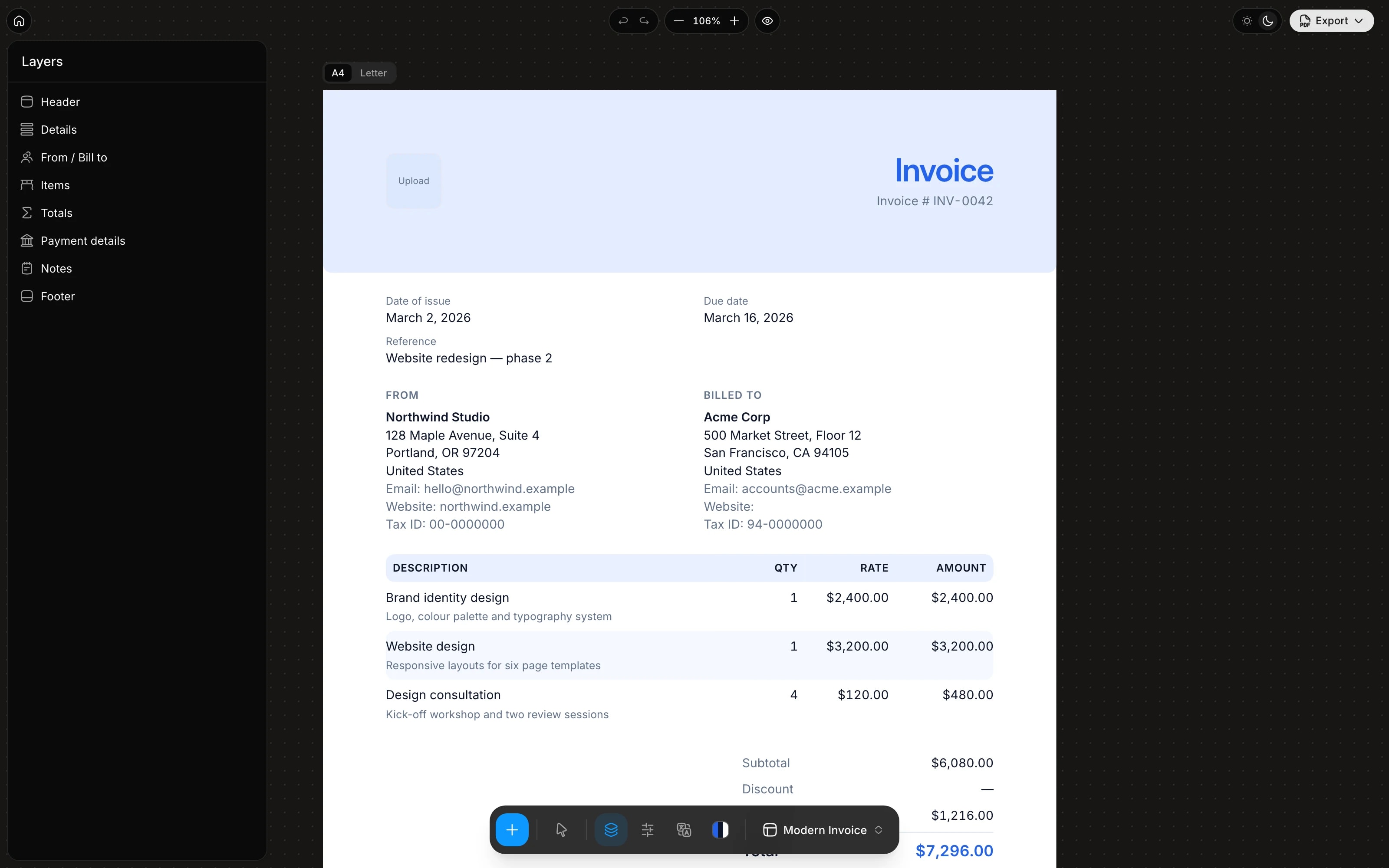
No account and no setup. The editor opens on a finished-looking invoice; you change what is yours.
Ten presets, each a different combination of blocks and styling. Switch at any time — your content stays.
Click any part of the invoice to edit it in place: your business, the client, the items and the payment details.
Save as PDF from the print dialog, keep a JSON copy, or send a share link that carries the invoice in the URL.
Layers, Design, Format and Labels to organise the document; the invoice in the middle. Each panel below is one of those capabilities.
Blocks
An invoice is a stack of blocks: header, details, parties, items, totals, shipping, payment details, payment link, notes, terms, free text, signature, divider, page break and footer. Toggle, reorder and configure each one in Generate.
Formatting
The Format pane in Generate sets the currency code and locale, symbol or code display, where the symbol sits, and the thousands and decimal separators.
1.234,56 instead of 1,234.56.€ 1.200,00 or 1,200.00 EUR.Formatting
Issue and due dates follow a date-fns pattern in any of the bundled locales, so the same invoice reads naturally in Berlin, London or Tokyo.
d MMMM yyyy, MM/dd/yyyy or dd.MM.yyyy — or type your own pattern.On your device
Open Generate, fill in the invoice and export a PDF. The current document stays in this browser until you export a PDF, JSON file or share link.
Export
The same layout that you see on the canvas is what prints. Pages are paginated explicitly, long item tables continue with a repeated header, and the footer appears on every page with page numbers if you want them.
Invoice INV-0042.pdf.Change something and watch the document change — this is the real renderer, not a picture of one.
Word and Excel templates, Google Docs, QuickBooks, FreshBooks, Wave, Zoho, Xero, Stripe and PayPal. Each comparison says what the other tool does better — and when you should keep it.






Yes. There is no paid tier, no trial and no feature gate. It costs nothing to run because there is no server behind it — the app is static files that execute in your browser.
In your browser's local storage, on your device. Nothing is sent to a server — there is no server. Clearing site data removes it, so export the invoice JSON when you need a portable copy.
Choose Export → Save as PDF. The browser's print dialog opens with the correct paper size already set; pick Save as PDF as the destination. The layout you see on the canvas is exactly what is exported.
Not as a separate template — the editor keeps one invoice document. You can change its blocks, colours, labels and paper, and switch between the ten built-in presets from Templates in the dock; your content stays when you switch.
Open Generate and start typing. It is built for everyday invoices, not a one-off demo.